
South Park Characters: Building a Readable Cast Board
Organize a readable South Park character cast board with 12 illustrated profiles, accurate labels, outfit context, and practical visual-comparison advice.

A cast board is a group of references that helps you distinguish characters at a glance. For South Park characters, it should make the differences between hats, hair, clothing, and proportions easy to compare. A page full of faces is less useful if every figure has been cropped or scaled differently and the captions leave you guessing which outfit is shown. For a new face for your cast board, try South Park Character Creator.
This guide uses artwork from the South Park Public Library to explain how to organize a cast reference. It is a fan study for visual planning. The suggested board layouts are editorial analysis, not screenshots of a tested generation workflow or an official production document.
Arrange the central cast before expanding the board
Start with the four boys together. Give each portrait a label and enough surrounding space to show the important outline. Keep apparent scale consistent where comparison is the goal, but do not stretch a wider character into the proportions of a narrower one. Empty space is better than a distorted reference.
Eric Cartman

Cartman's wide red jacket needs more horizontal room than Stan's or Kyle's. The yellow mittens mark the outer edges, while the turquoise cap identifies the head. Place him in a cell that preserves that width instead of forcing every figure to fill an identical narrow rectangle.
Stan Marsh
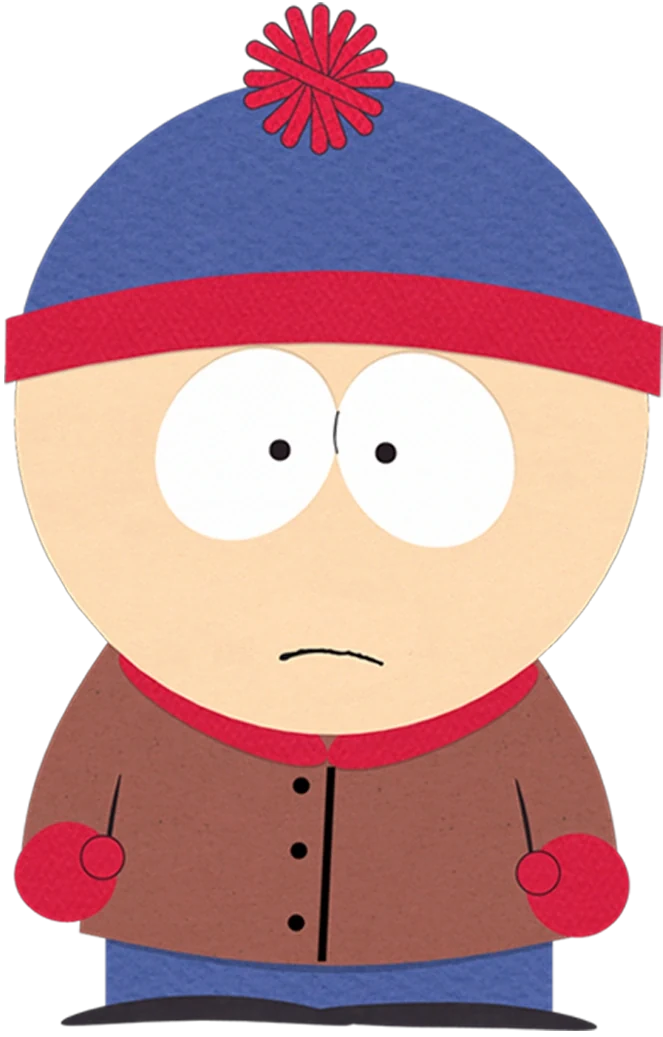
Stan's compact outline includes a blue cap, red accents, and a brown coat. On a cast board, his cap should appear at a comparable scale to the other children's headwear. Otherwise, a viewer may mistake inconsistent image sizing for a meaningful difference between the characters themselves.
Kyle Broflovski
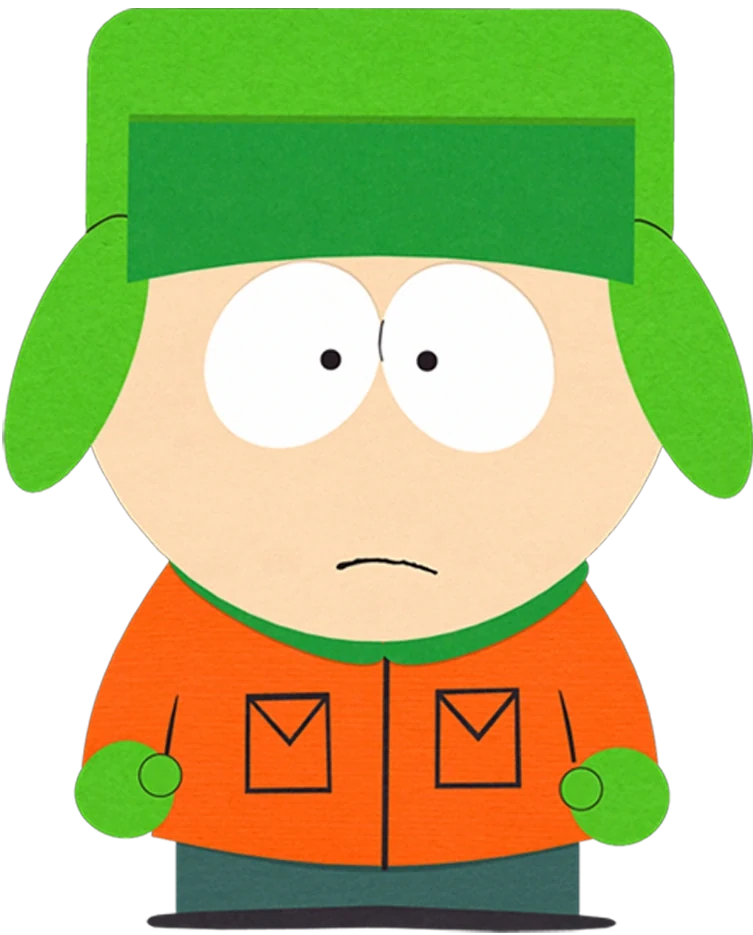
Kyle's green earflap hat extends beyond the face and sits above an orange jacket. Include those side flaps in the reference cell. They offer a clear comparison with Stan's rounded cap, making a labeled full portrait more informative than a tightly cropped face surrounded by empty margins.
Kenny McCormick
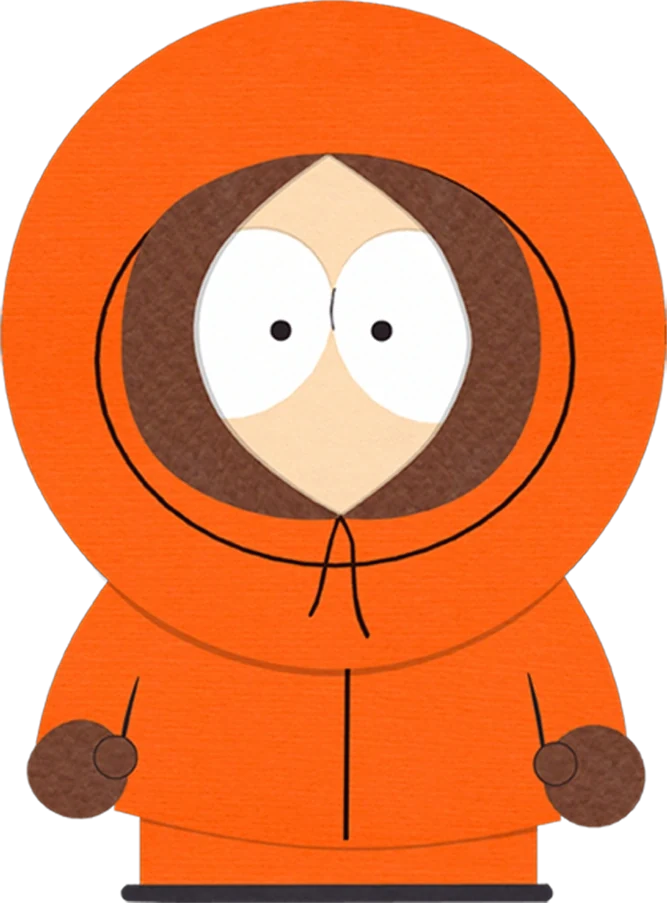
Kenny's orange hood encloses both the head and much of the face. It forms a different kind of outline from the other boys' hats. Keep its dark opening, lower tie area, and brown gloves visible so the board explains how the complete outfit works as a visual identity.
Use the next row to compare hair and headwear
Butters Stotch
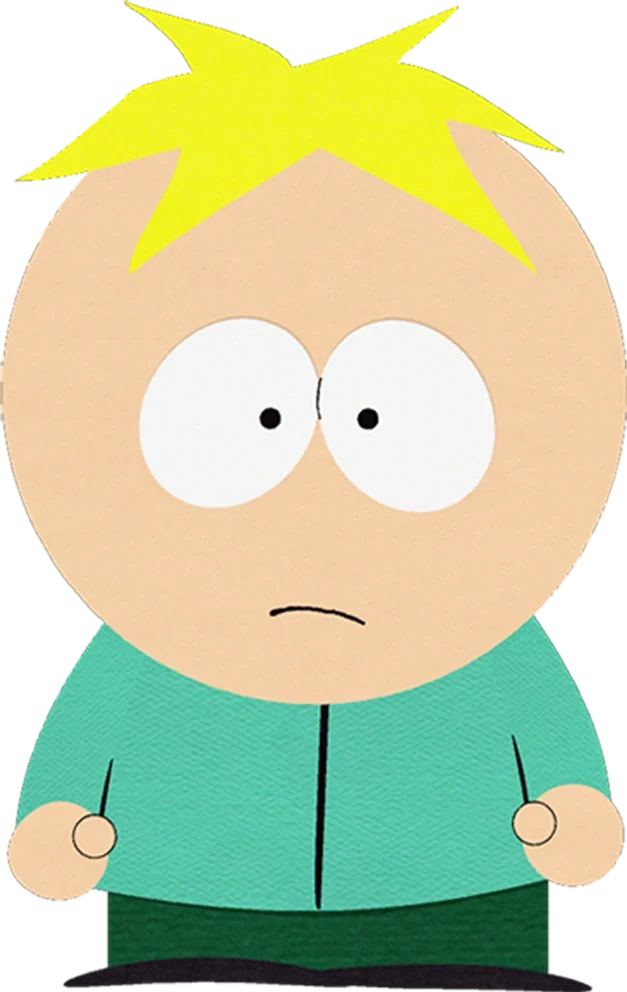
Butters' small blond tuft creates a simple uncovered head shape. The turquoise shirt is comparatively quiet. Place this portrait near Tweek if you want to compare hair silhouettes: the shared hair color makes the difference in size and direction especially easy to see without a long explanation.
Tweek Tweak
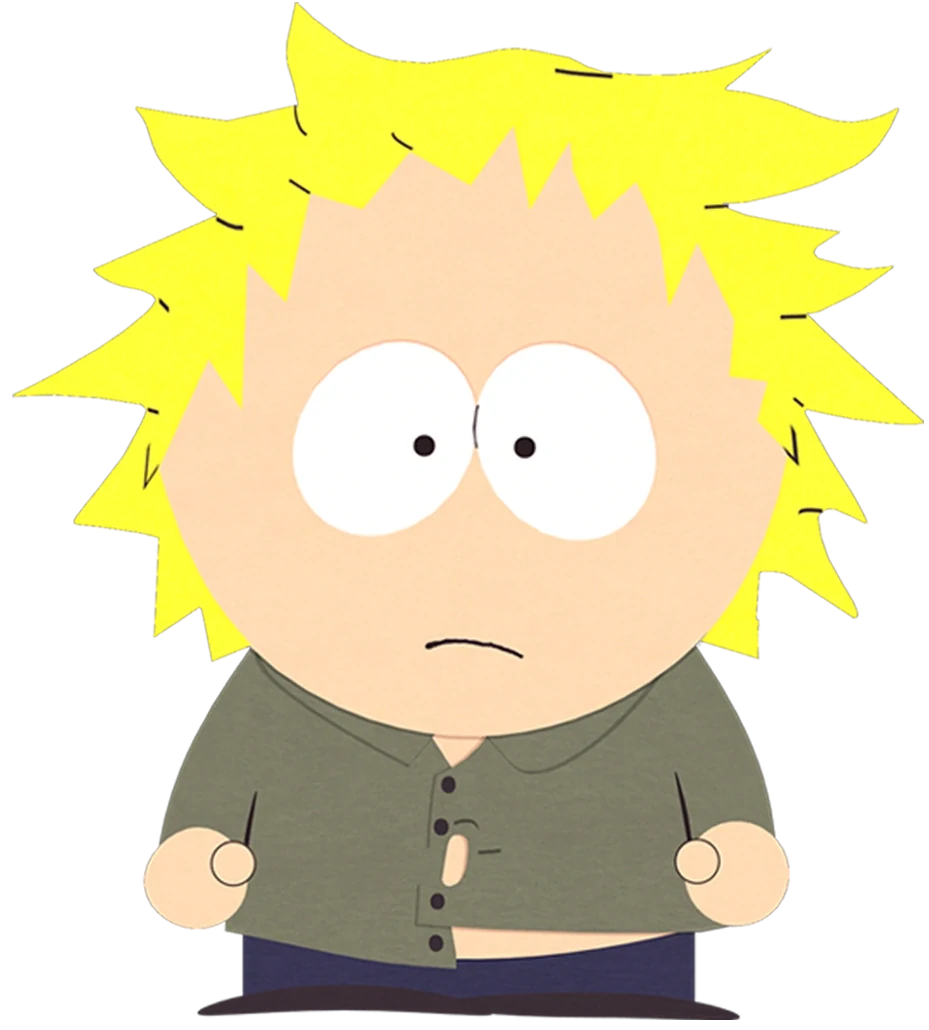
Tweek's blond spikes spread across a larger, more irregular area. His olive shirt adds another visible distinction from Butters. A board note can record “outward hair points; uneven shirt closure,” giving a reader concrete features to inspect rather than an impression that cannot be checked against the image.
Craig Tucker
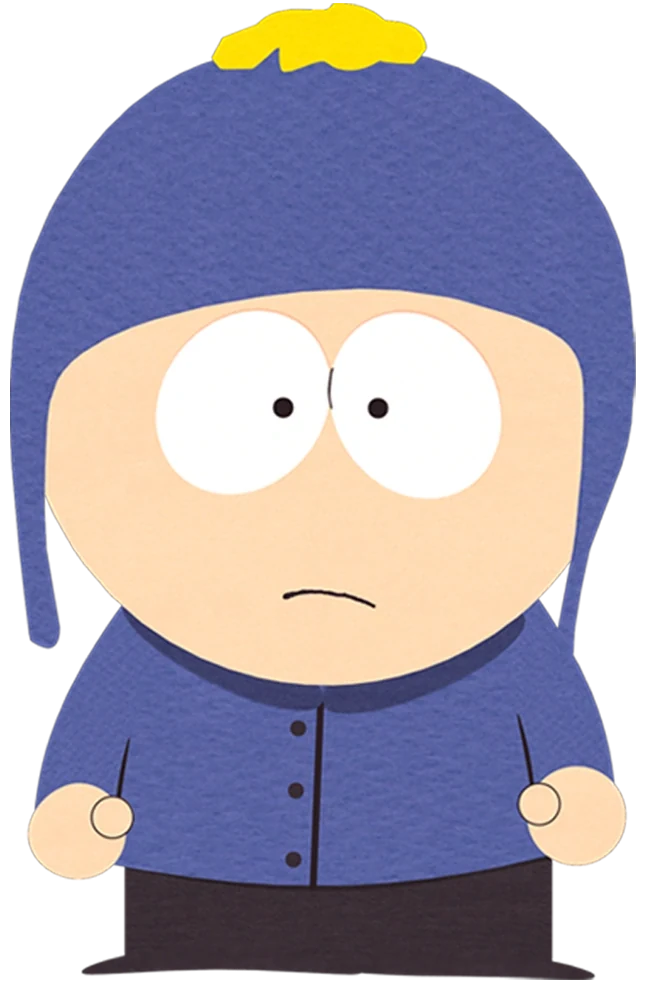
Craig wears blue across the hat and coat, with a yellow pom-pom above. His earflaps invite comparison with Kyle, but the palette is different. If the board groups characters by hat type, put a short label beside each so the shared accessory does not obscure individual identity.
Wendy Testaburger
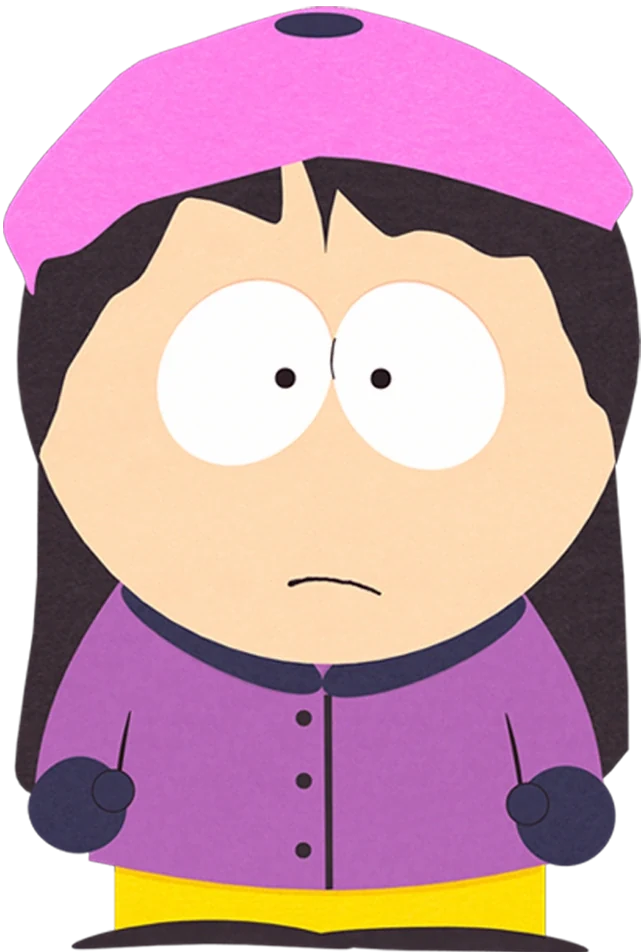
Wendy's pink beret and long dark hair require a taller reference area than a face crop. The purple jacket lies within that hair outline. A full figure belongs on a costume board; a separate head detail can supplement it when you need to study the beret more closely.
Add characters who broaden the visual vocabulary
Bebe Stevens
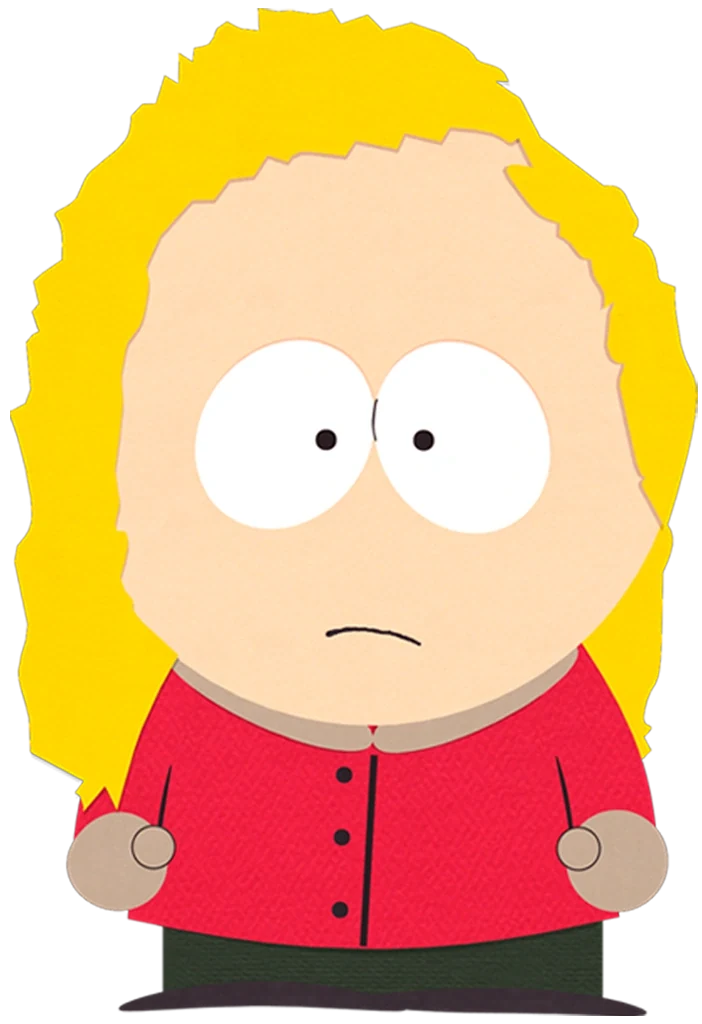
Bebe's fuller blond hair and red top offer a contrasting shape beside Wendy. Leave the outer hair edges visible, since they explain the difference better than the eyes alone. A cast board should preserve those useful comparisons rather than treating every image as an interchangeable profile photograph.
Tolkien Black
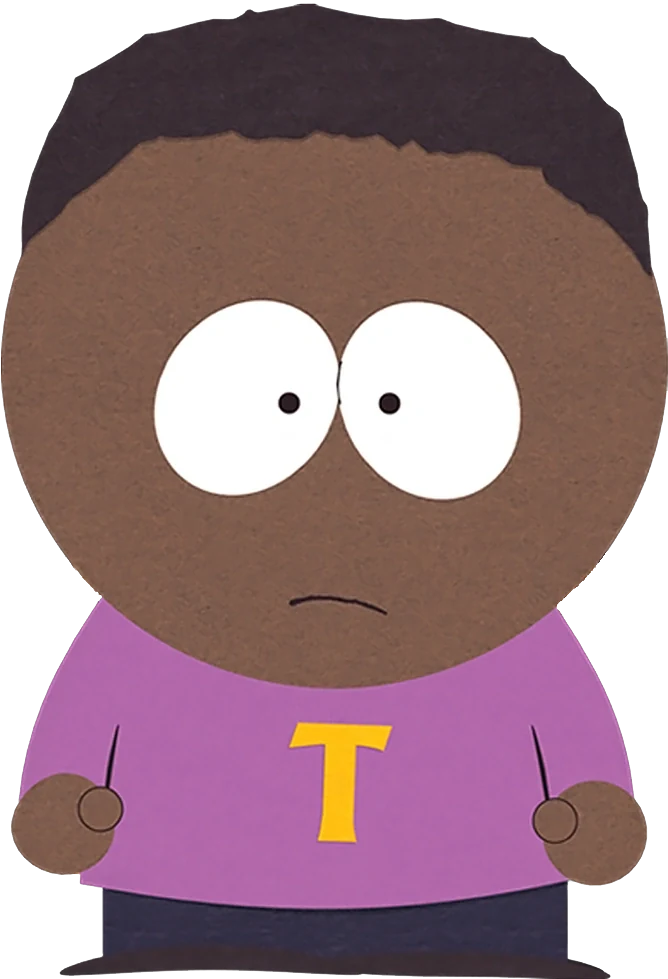
Tolkien's purple shirt includes a yellow T beneath a broad dark hair shape. Add the full name to the label, even when an older asset filename uses a different spelling. File names help manage sources, but the public board should use clear, current character identification.
Ike Broflovski
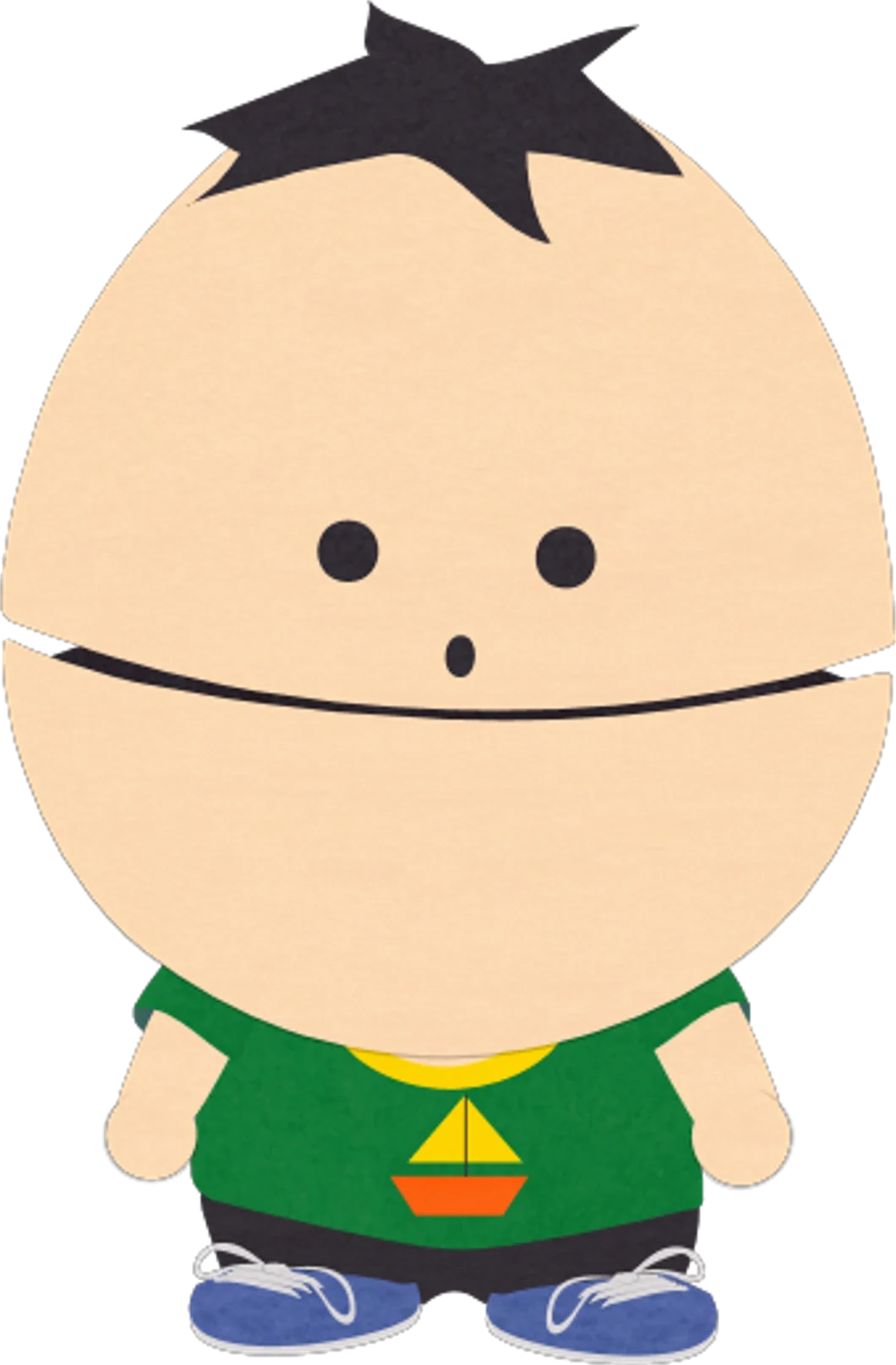
Ike's small body and larger head create a different proportion from the older children. If you enlarge him to the same body height as everyone else, the board becomes misleading. Preserve the portrait's proportions, and use the label to explain why its visual structure differs.
Randy Marsh

Randy appears in a farmer outfit with a brimmed hat and plaid shirt. Put the costume in the label rather than leaving only his name. A reference collection becomes more useful when it records which version is shown, particularly for an adult character with several recognizable outfit variations.
Keep the board useful as it grows
Use one line for identification and one for the observation that matters. A board designed for color comparison may note “green hat, orange coat”; a board designed for story continuity may need “same outfit across all planned shots.” These notes serve different purposes. Decide the purpose before adding more images.
For a small personal library, keep the original source record outside the public-facing composition and retain a stable copy of each image. Give the files descriptive names so you can find the right portrait later. The board itself should avoid tiny blocks of text that become unreadable when it is viewed on a phone.
An original-character row can sit beneath the references. If you are planning to use a South Park character creator, write each new character's distinguishing features first. One could have a red rain hat and charcoal coat; another could wear a cream scarf and green overalls. The point is to give each person a coherent outline, not to combine existing costumes at random.
A South Park character maker brief should then state the intended view and background. A plain front view is useful for comparison, while a busy scene is useful for a different task. Treat this as a planning approach; review generated images for actual consistency before relying on them. You can develop the idea from the homepage, or read other visual-planning articles in the blog. Choose a silhouette that stands apart from the rest of your cast when you try South Park Character Creator.
Choose a comparison rule
A board becomes easier to navigate when each row has a reason to exist. One row can compare headwear, another can compare uncovered hairstyles, and a third can show adult or costume variations. Write that rule at the start, then choose images that answer it. A row of miscellaneous favorites is enjoyable, but it serves a different purpose from a working visual reference.
Keep the labels short enough to read beside the images. “Kyle — green earflap hat, orange coat” gives immediate orientation; a long biography below the thumbnail makes comparison slower. If a detailed explanation is needed, put it in a separate note associated with the image. Review the whole board on a smaller screen before relying on it. Names should remain readable, figures should retain their proportions, and no crop should remove the very feature that the row is meant to compare.
Keep the Warcraft episode in a separate reference group
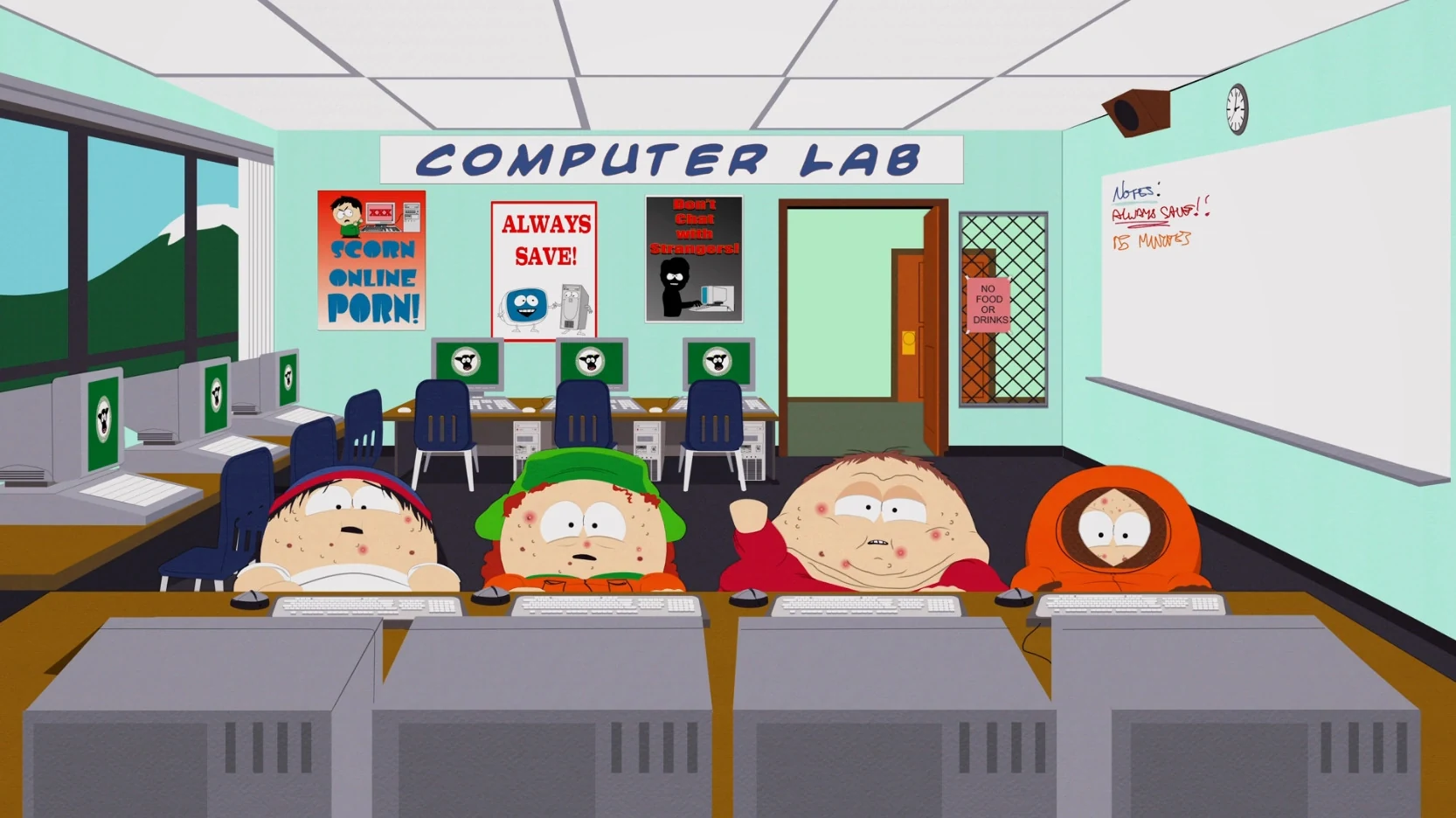
Make Love, Not Warcraft supplies the South Park World of Warcraft episode context. The boys' game characters are repeatedly killed by a powerful player, and Cartman leads a plan to strengthen the group and defeat him. The episode offers a different reference category from ordinary cast portraits.
The computer-lab image shows altered bodies and faces, but familiar hats and clothing remain. Kyle wears green headwear, Kenny has the orange hood, and Stan keeps the blue-and-red cap. Cartman's red jacket appears without his usual hat. These differences deserve an episode label on a cast board.
For a South Park maker collection, group this frame separately from the clean character artwork. A standard Cartman South Park portrait can sit in the identity row; the computer-lab image belongs in a context or variation row. The board then explains why both references are useful. To develop a new face for your cast board, try South Park Character Creator.