Write one brief
Describe the outcome, audience, and point you want to communicate.

Supporting creation mode
Describe an original character, inspect a documented local portrait, and decide what belongs in the wider campaign.
Text only · No photo upload · No live AI · No saved brief
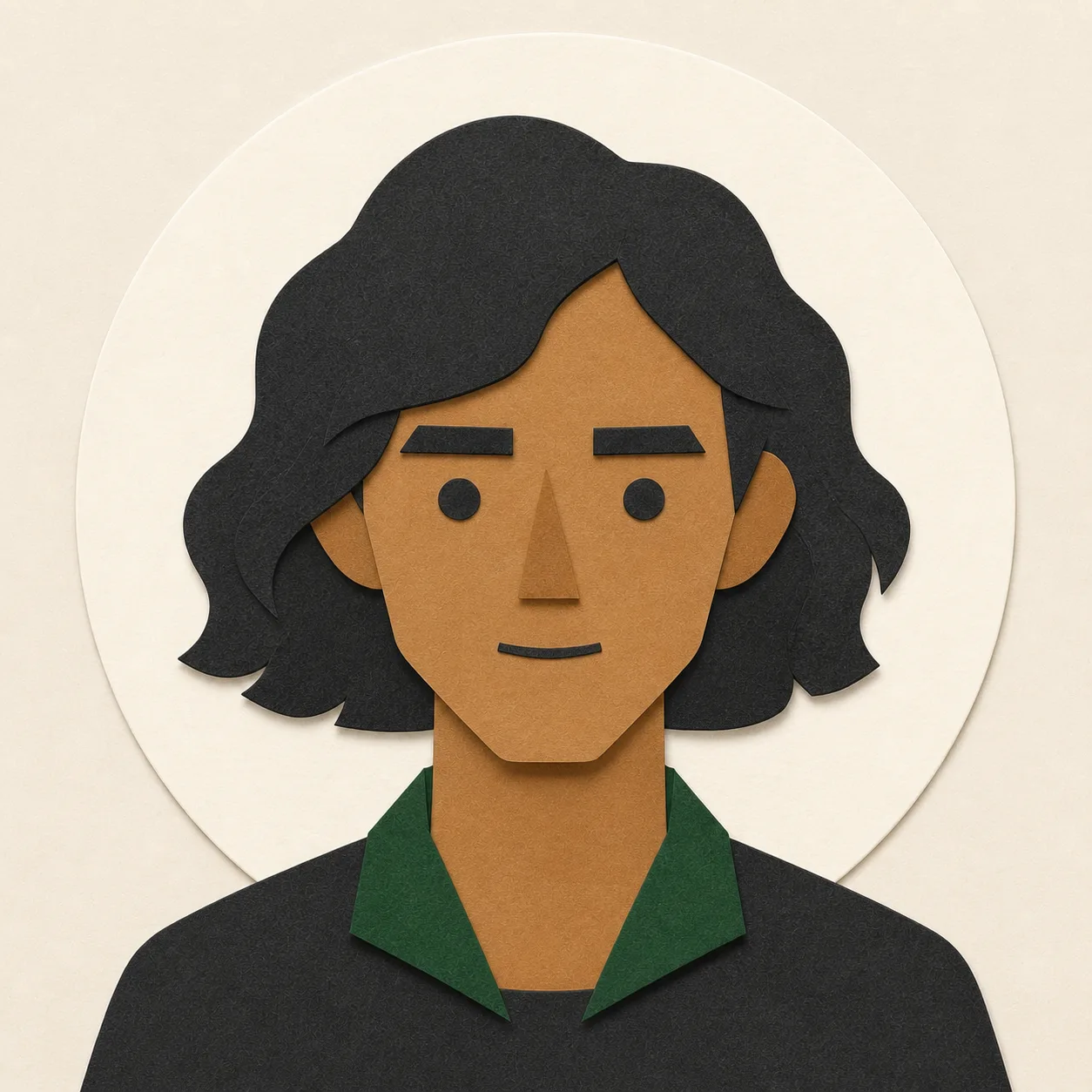
The same brief always selects the same local result.
Nothing was sent or saved. Retry the local selection.
Use a text-only creative brief to explore one of three documented fictional portrait directions. The same brief and settings always select the same local prototype; no model receives your text, and no new avatar is generated.
Describe the character’s role, attitude, audience, and campaign purpose without naming or copying a real person. Choose a platform, crop, and creative direction, then use the result to discuss silhouette, expression, palette, and visual consistency.
Check whether the face and silhouette remain distinct in a small circular or square crop. Look for clear contrast, uncluttered edges, an expression that fits the brief, and a palette that can carry into other campaign assets. The three visible portraits are original CanvasSeed prototypes, not customer work or evidence of model quality.
The avatar direction can be carried into a social post concept so profile art and campaign visuals feel related rather than randomly generated.
Results are predesigned fictional illustrations. CanvasSeed does not identify, copy, or transform a real person, accept a photo upload, run a live AI model, save a project, or grant commercial-use rights in this validation experience.
Useful for
Three steps
Describe the outcome, audience, and point you want to communicate.
Set the channel, format, and creative direction that matter now.
Use the labeled prototype to judge the workflow—not imaginary model performance.
Questions and limits
No. The current CanvasSeed page deterministically selects one of three documented local portrait prototypes. It does not call an AI provider or generate a new avatar.
No. The prototype accepts text only and intentionally excludes real-person likeness creation, photo transformation, face copying, and identity matching.
Check the silhouette and expression at profile size, test square and circular crops, confirm contrast and edge clarity, and make sure the character fits the campaign without resembling a real person.
The prototype demonstrates a workflow only and grants no commercial-use rights. Complete provenance, rights, brand, platform, and human review before any production use.
No. The interaction runs in the browser and has no account, database, upload, analytics, or persistent project storage.
Continue exploring
Featured workflow
Draft a campaign brief, select a local prototype direction, and review the visual, caption, hashtags, and motion concept together.
Explore Social media post generator prototype for one clear brief →Creation mode
Plant a prompt. Grow a visual.
Explore Generate AI images from a text prompt →Early access
Tell us which creative workflow would save you the most time. This opens your email app; CanvasSeed does not collect or transmit your address through this website.
Direct contact
Send only what you are comfortable sharing. Do not include confidential briefs, credentials, payment details, or sensitive personal information.
Email support@canvasseed.comNo form provider, analytics service, cookie, or browser storage is used.