Choose your character seed
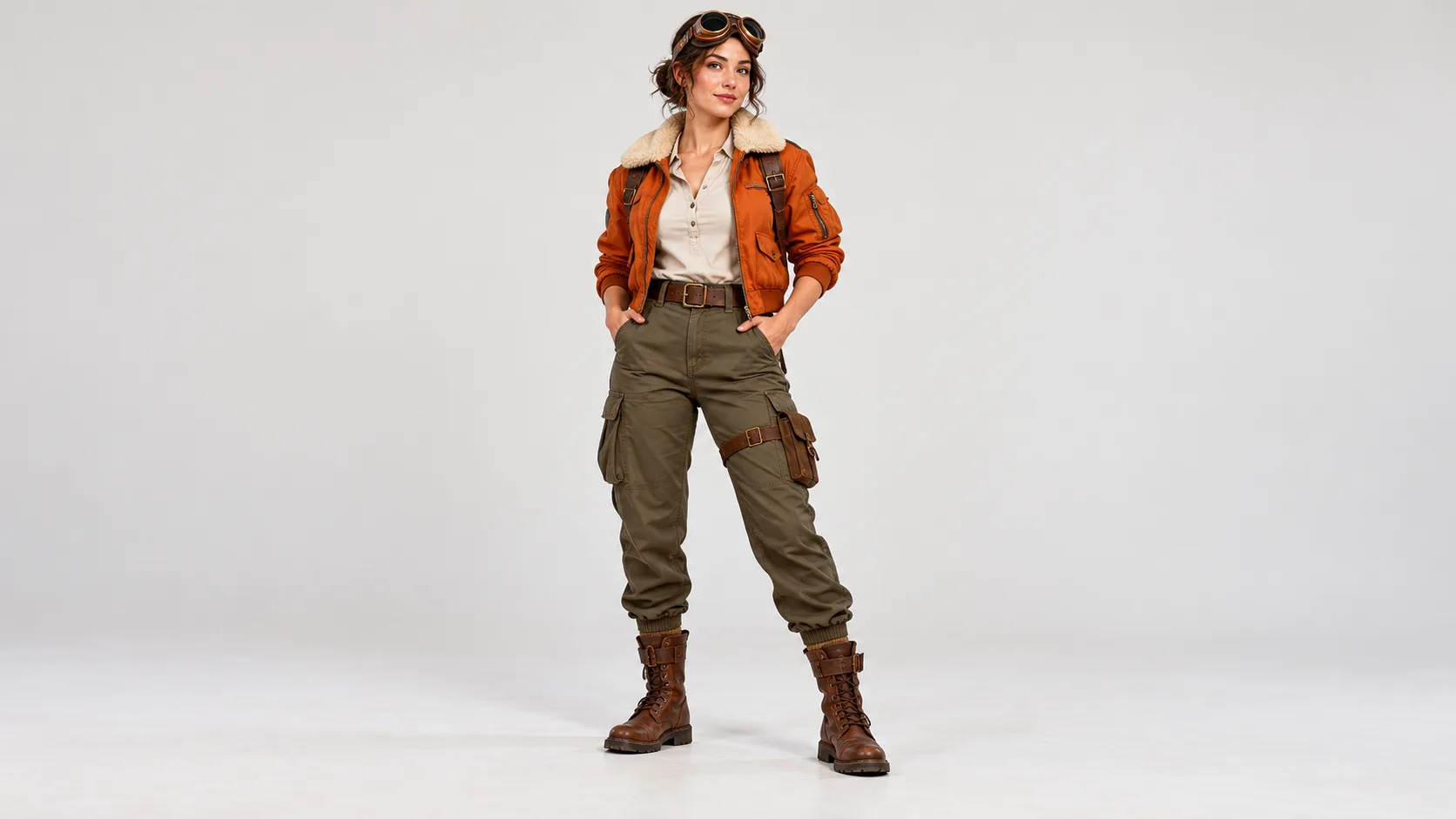
Use one front-facing portrait or original drawing. Visible shoulders and jacket details make the starting point easier to interpret.

Turn a portrait into a story character
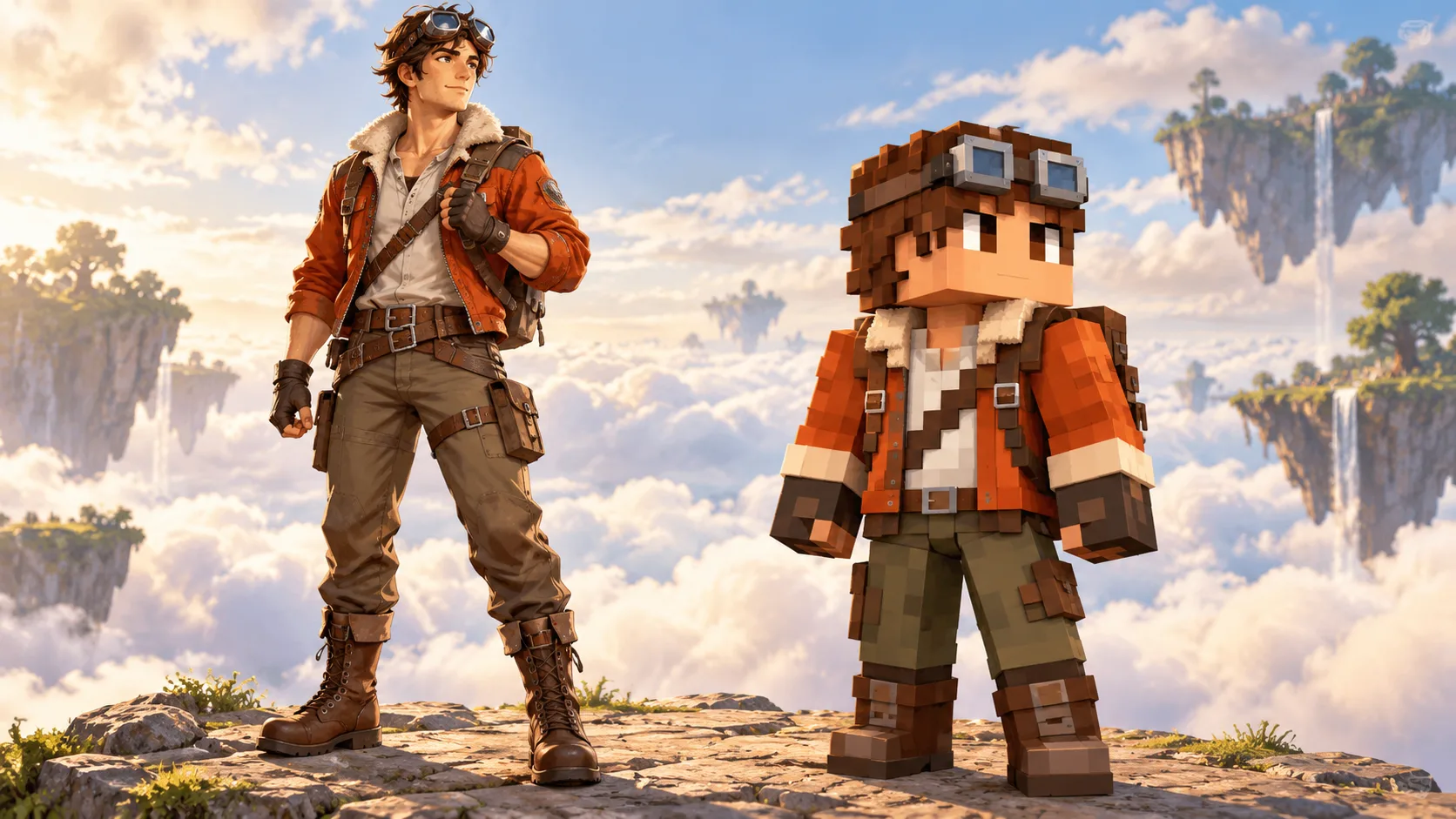
A portrait can seed a character in a new visual world. Upload one person or an original character drawing, then describe the outfit features that should survive the blocky transformation. CanvasSeed returns an image concept you can use to plan a scene or cover.
Start creatingUse one front-facing portrait or original drawing. Visible shoulders and jacket details make the starting point easier to interpret.
Mention the flight jacket, goggles and color palette you want to carry into the concept. Ask for one full-body figure.
Review head, hands, jacket and boots in History. If one defining detail disappears, revise that instruction and compare versions.
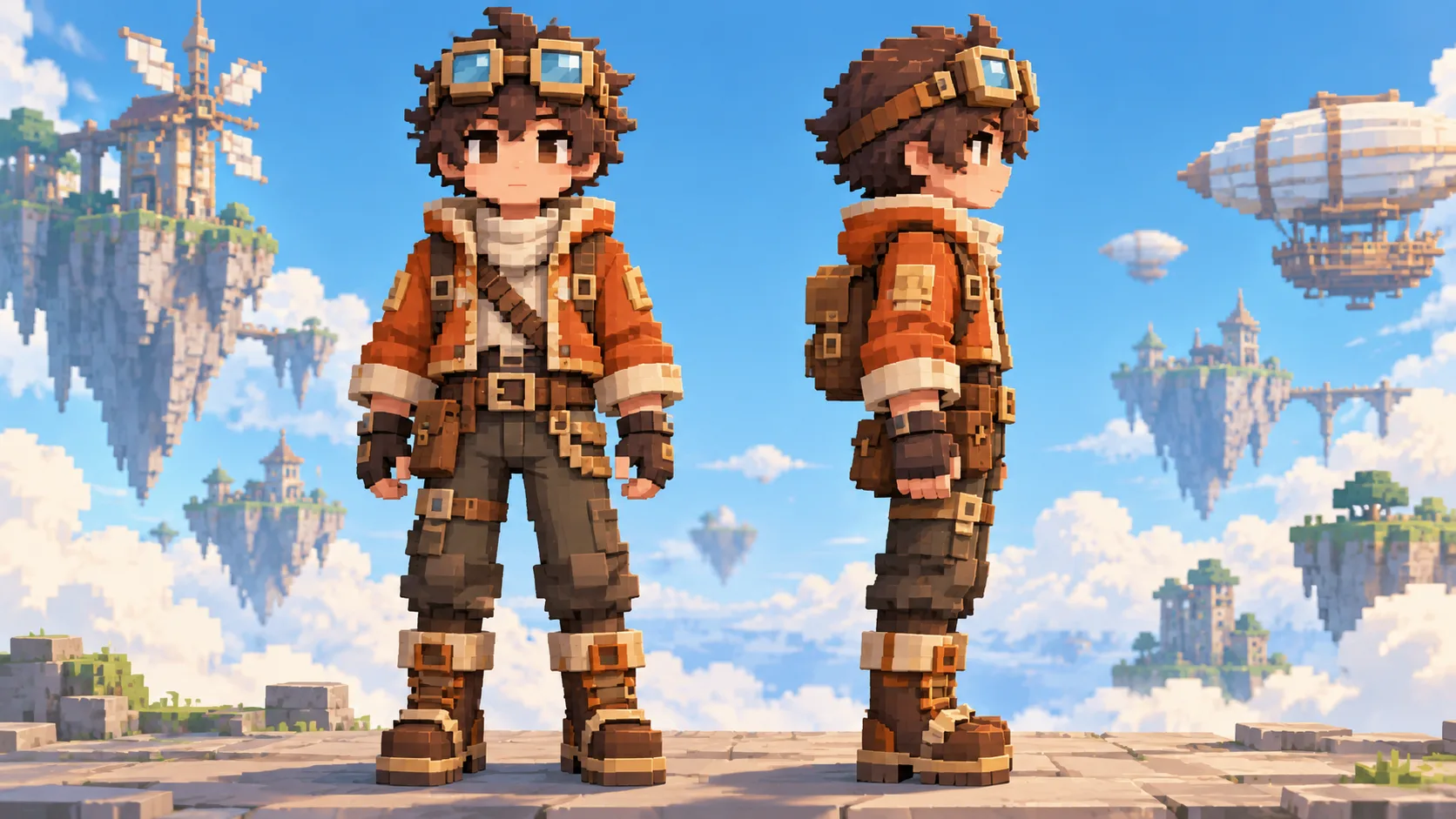
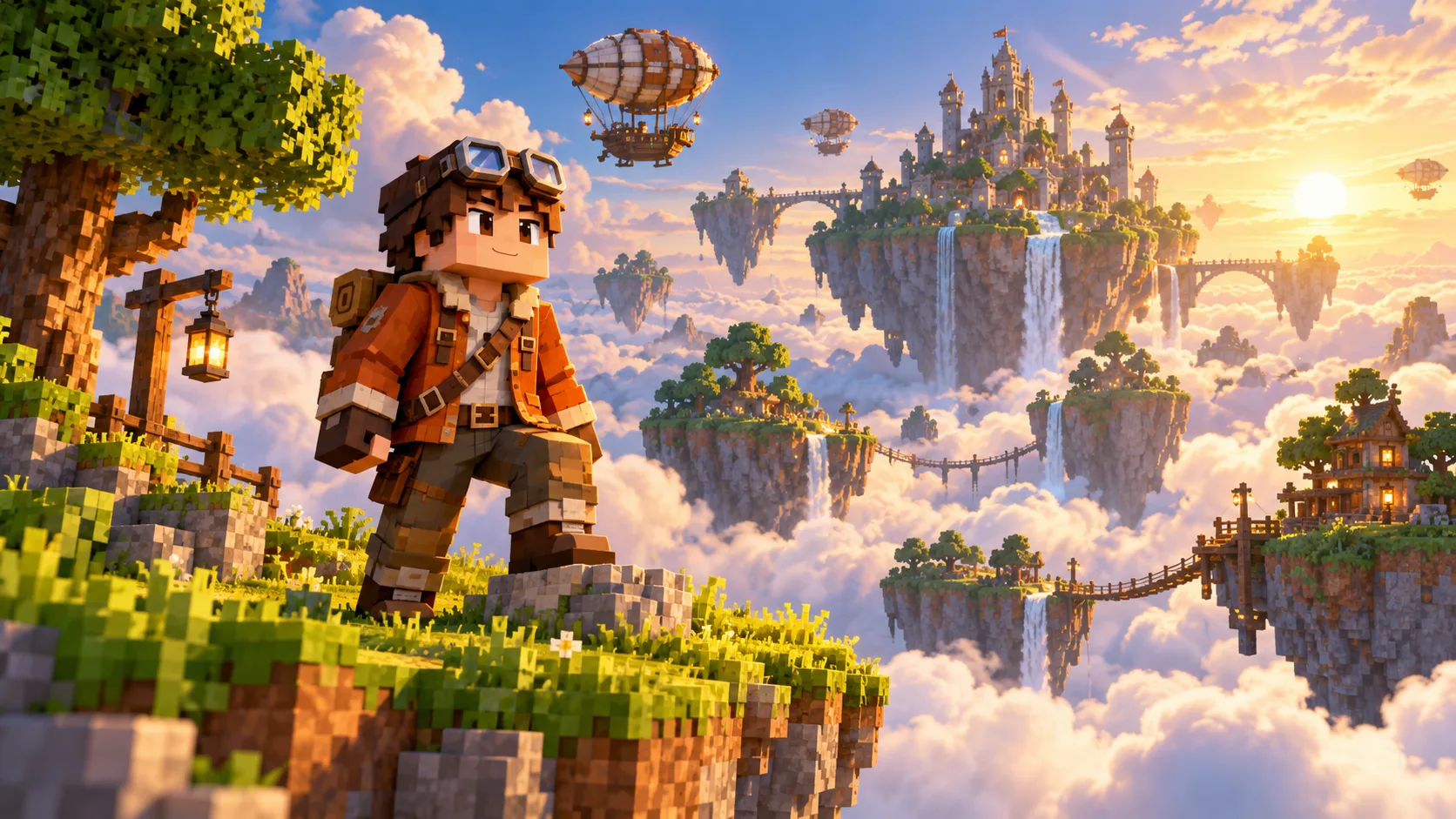
Continue with Minecraft Pixel Art to sketch an island, bridge or windmill around the character. The two pages make a character and a scene from separate references.
The output is a blocky character preview image. It is not a mapped texture file for direct game import.
Image to Image accepts one clear portrait or character drawing. In Text to Image mode, describe the figure in words and leave the upload empty.
Yes. A clean original drawing can guide outfit colors and shape. Review whether the defining features survive in the result.
The generator shows a live credit quote for the selected model. Compare it with your balance before starting.
Open History to check the task. The selected model and queue determine delivery time.
canvasseed.com · Updated