Choose a scene anchor
Start with one landmark. An island, bridge or windmill gives the picture a clear point of attention.

Sketch a world of islands and paths
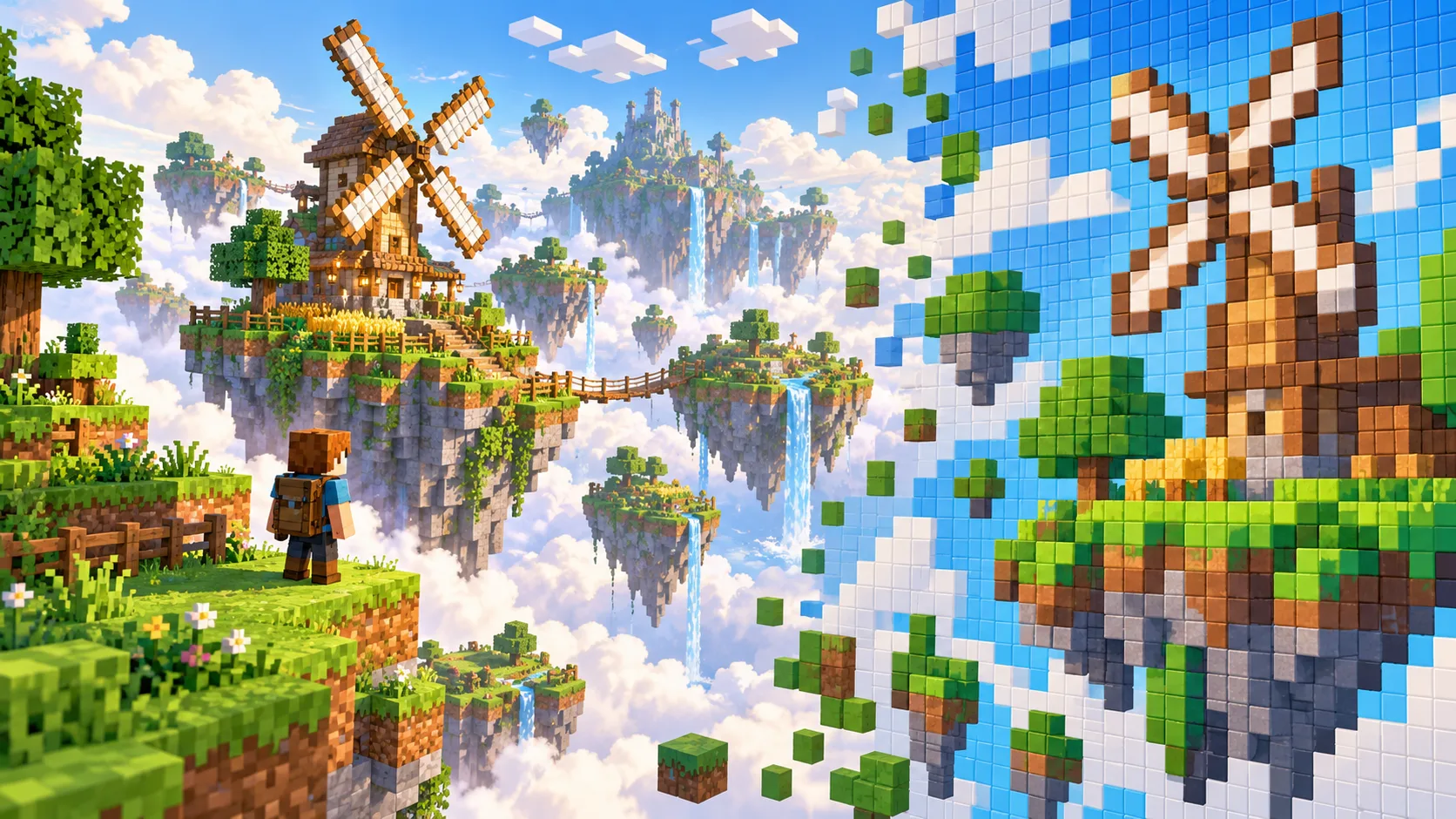
Give CanvasSeed a landscape reference or short scene description, then turn its main shapes into a Minecraft-inspired pixel composition. A floating island, windmill and bridge form connected visual ideas for a story background.
Start creatingStart with one landmark. An island, bridge or windmill gives the picture a clear point of attention.
Specify sky palette, island height and bridge direction. Text to Image begins with words; Image to Image can follow a reference layout.
View the image at cover size. If the windmill disappears, simplify nearby detail and add contrast around it.
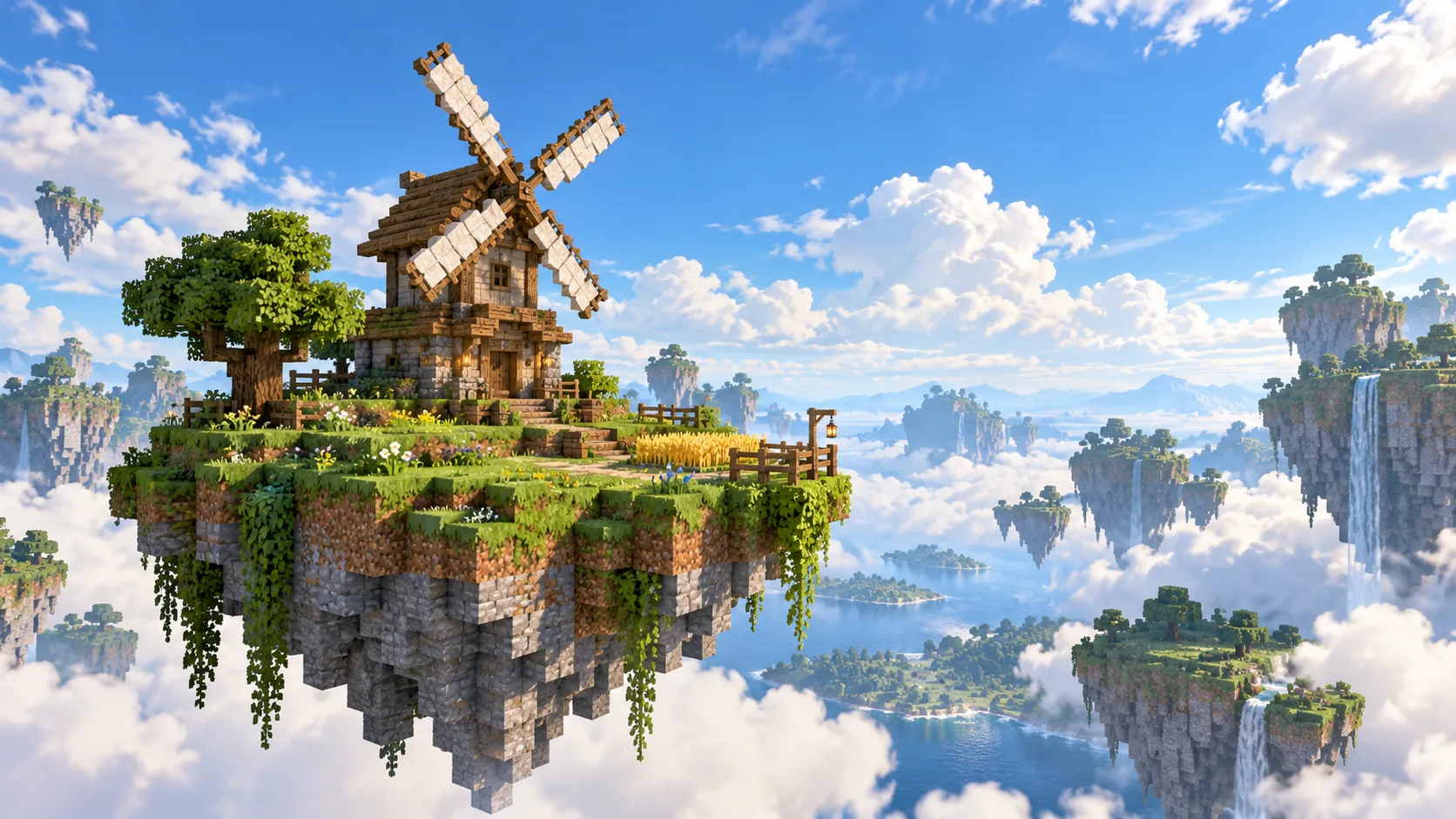
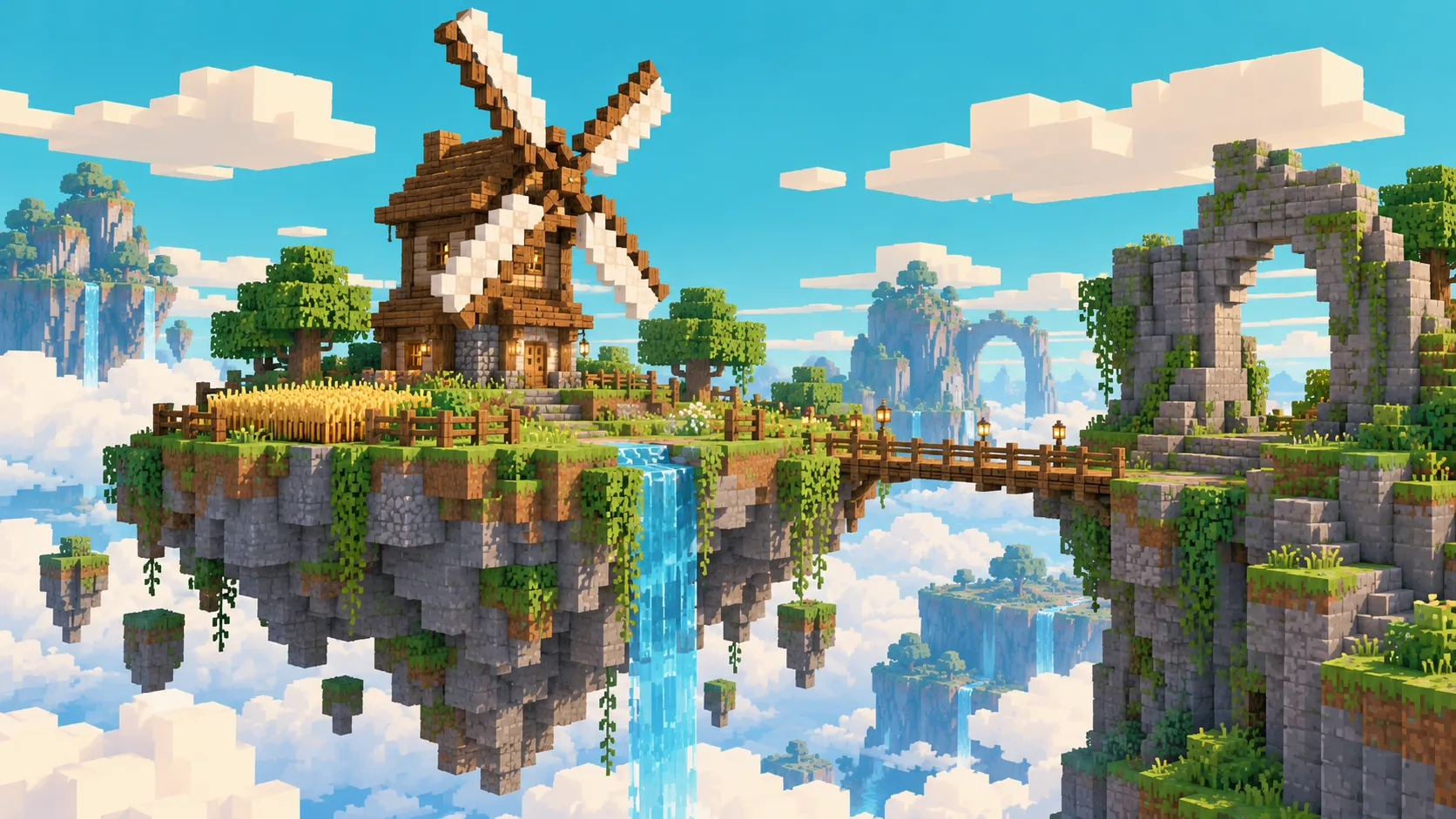
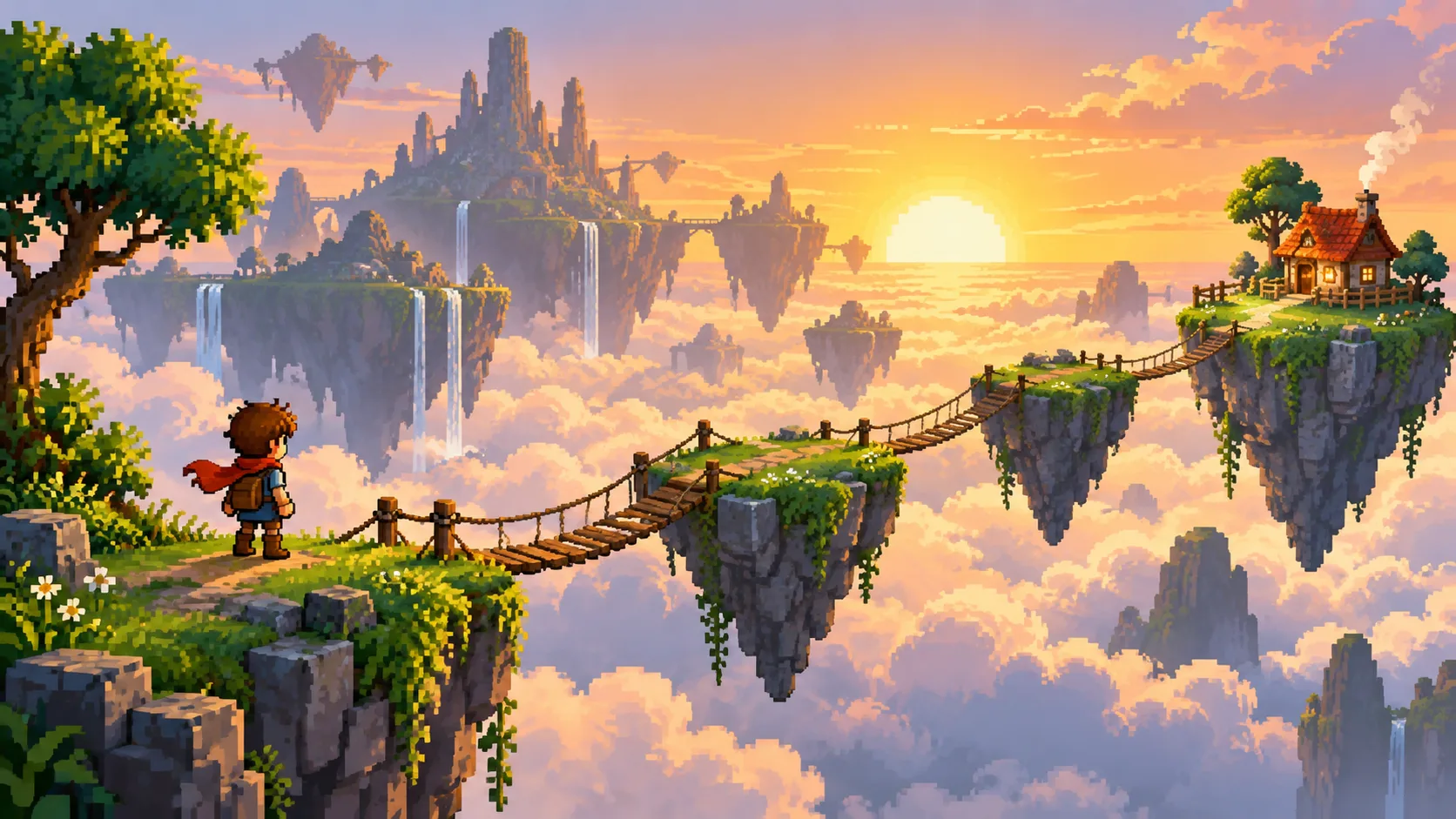
Use Image to Minecraft Skin to make an orange-jacket traveler from your portrait, then plan where that figure could stand in this pixel scene.
Yes. Text to Image uses a written scene brief and submits no reference picture. Choose Image to Image when a landscape should guide the layout.
The result is a pixel art picture for planning or sharing. It does not include a block list or importable world file.
Look for a clear horizon and one major shape such as an island ridge. State which landmark should remain recognizable.
The live generator displays a credit quote for the selected model. Review it alongside your balance before submitting.
Watch the task in History. Model and queue conditions decide when it becomes available.
canvasseed.com · Updated