This fixed video supplies the choir performance and camera reveal. Your lead image supplies the central appearance; the optional choir image directs the surrounding cast.
History
Video history
Loading history…
A handmade character with an eager woodland choir
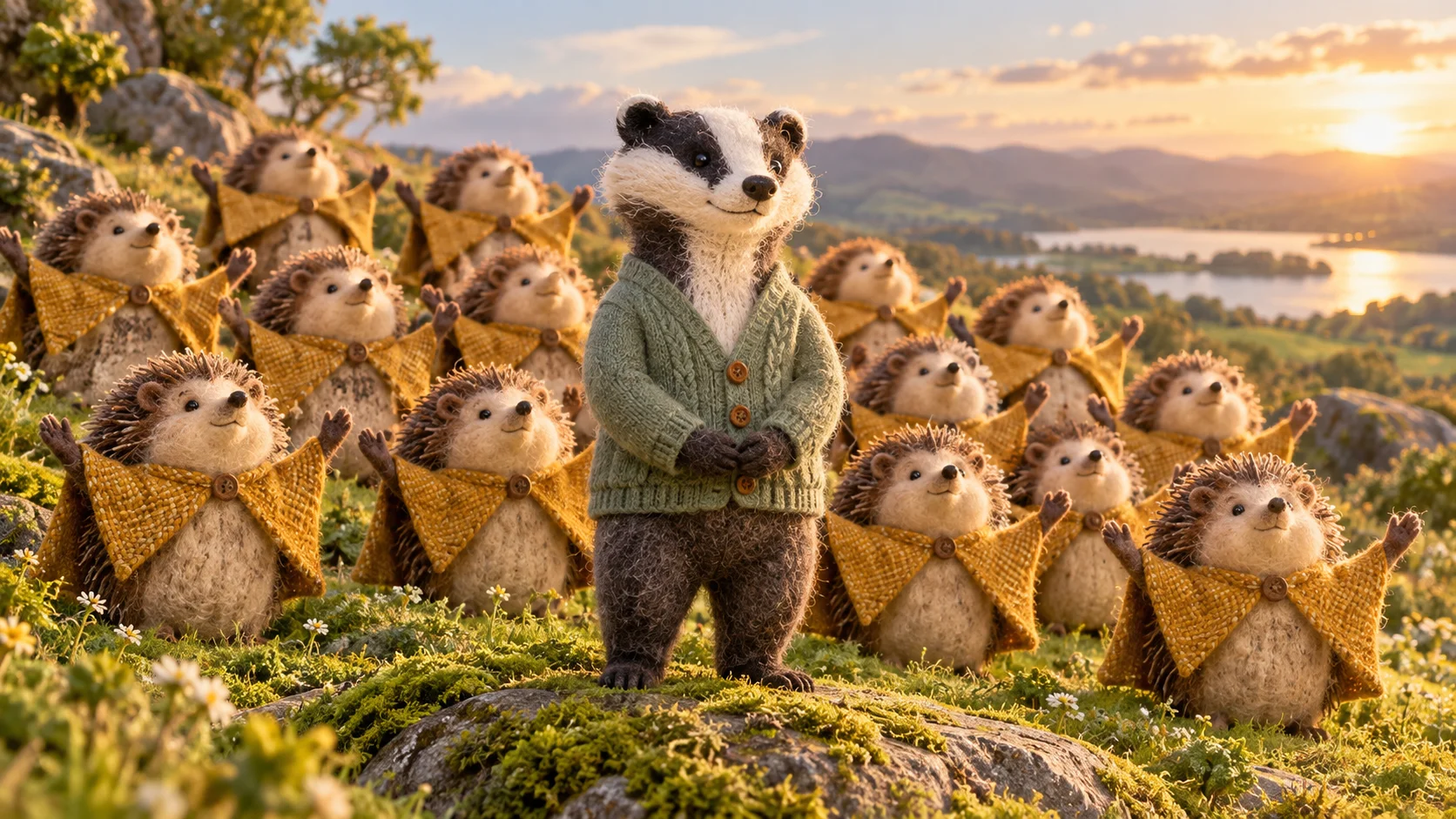
Give an original character a scene full of personality without asking it to dance. Closed On Sunday AI places your lead within a moving ensemble. Our felt badger and hedgehog choir show how a quiet central figure can hold its own among many enthusiastic neighbors. Start with a recognizable character image and choose the surrounding cast separately.
The first image is the protagonist. An optional second image supplies the choir character, while optional notes can describe its costume or visual theme. A fixed reference guides the performance. The initial fourteen-second setting gives the group room to appear around the lead, whose calm expression provides the scene's contrast.
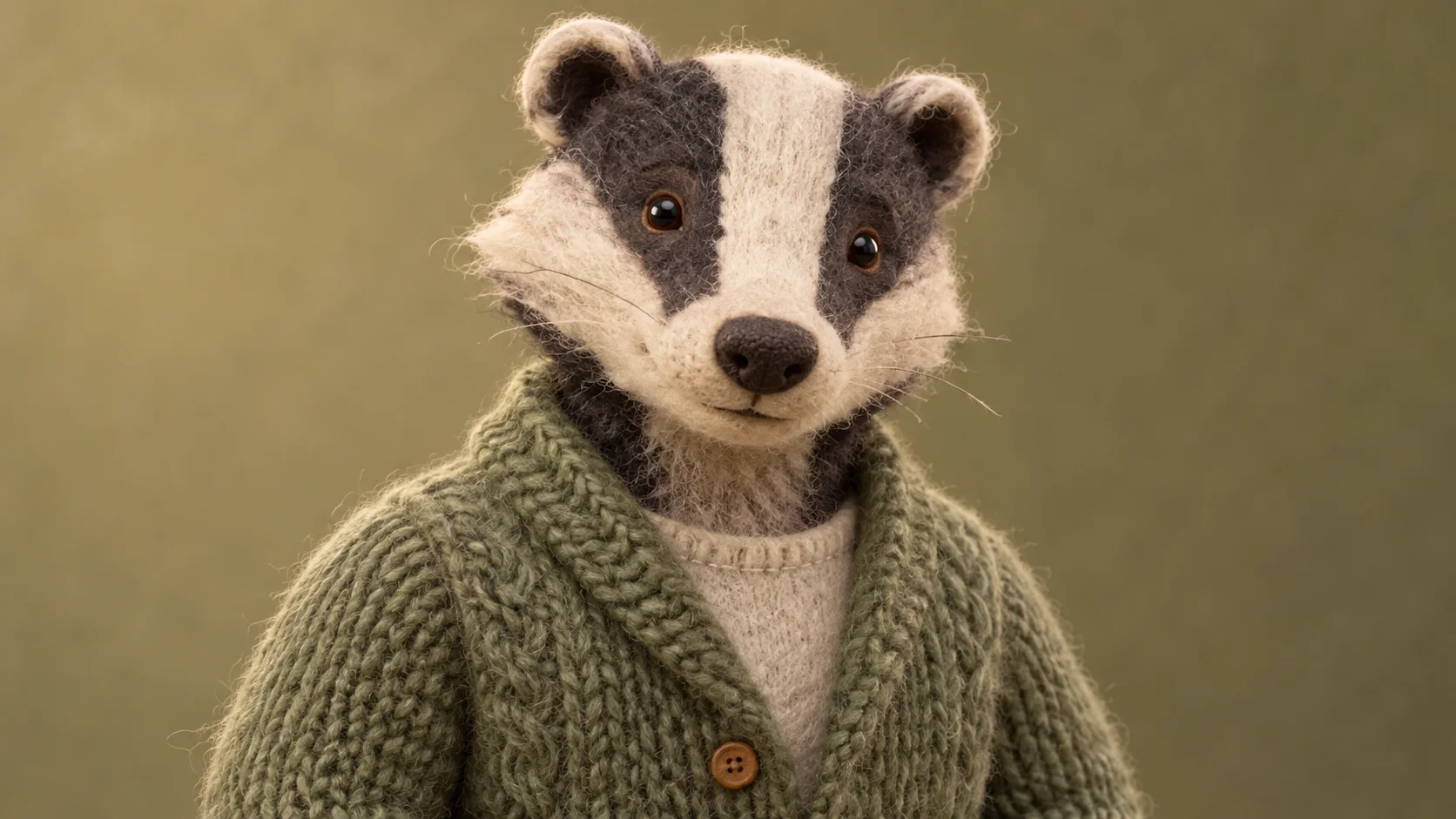
Lead preparation: preserve the markings that define the character.
How to create your Closed On Sunday AI remake
1. Export a clean lead image
Choose one view of your character with its face and main markings visible. For a handmade design, keep the material texture readable without letting loose fibers obscure the eyes. A simple background makes it easier to judge the character before animation.
2. Pick a different choir character
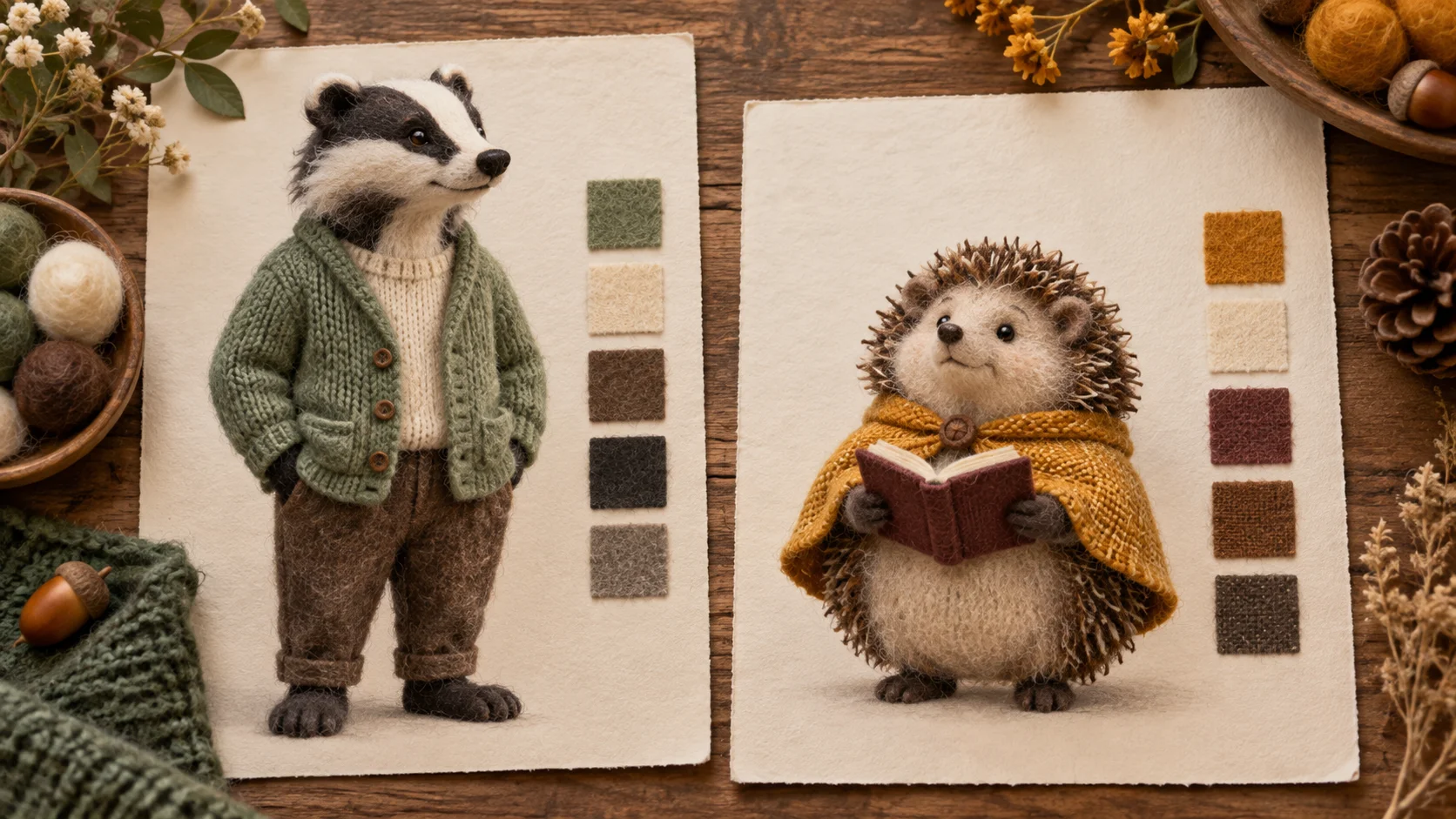
Use a separate design for the surrounding performers. The guide pairs a sage-cardigan badger with small hedgehogs in ochre capes. Upload a clear hedgehog image in the choir slot, or describe that ensemble in the optional notes if you do not have a reference.
3. Confirm the roles and estimate
Play the fixed reference, then inspect both upload slots. The badger belongs in the lead position, not in the choir position. Review the available output settings and refreshed credit quote before creating the scene. Keep the cast direction short and consistent.
4. Look for character continuity
Find the completed video in History. Check the badger's face stripe, cardigan color and body shape throughout the shot. Then review the nearby hedgehogs for merged paws or inconsistent heads. Save a take where the two roles remain distinct and the crowd supports the lead.
Preserve the features that make your character yours
Use separate files for the protagonist and the repeated choir design.
A handmade character often depends on a few small details: the shape of a muzzle, a stripe between the eyes, a button or the edge of a knitted sleeve. Decide which details matter before uploading. Our badger preparation portrait favors the bold facial stripe and soft green cardigan, so those features remain obvious even when the character becomes smaller in the wider composition. Do not rely on tiny accessories alone.
Use the two-card illustration as a planning guide rather than a combined upload. Export the badger and hedgehog separately, with enough surrounding space that ears and paws are not clipped. Avoid mixing several versions of the same design into one image. A consistent reference gives you a clearer basis for deciding whether a finished take has preserved the character or wandered into a new interpretation.
Build a choir from a simple material palette
Concept direction: one quiet badger, a lively ochre ensemble.
The ochre capes and rounded hedgehog shapes create a repeated rhythm around the taller badger. You can choose another woodland cast, but keep a few shared traits across the group. A compact direction such as felt hedgehogs, ochre capes and gentle gestures explains more than a long story about every individual performer. The form interprets a shared choir design, not a separately assigned identity for each row.
Texture may change as the characters move. Fine felt fibers, knit stitches and small paws can soften or merge in a generated sequence. Treat the guide artwork as a visual concept, not proof of an exact animation style. If texture overwhelms the faces, simplify the reference lighting or reduce the number of competing details in the notes. Readable silhouettes usually carry the scene better than microscopic surface detail.
Keep the badger calm as the frame opens
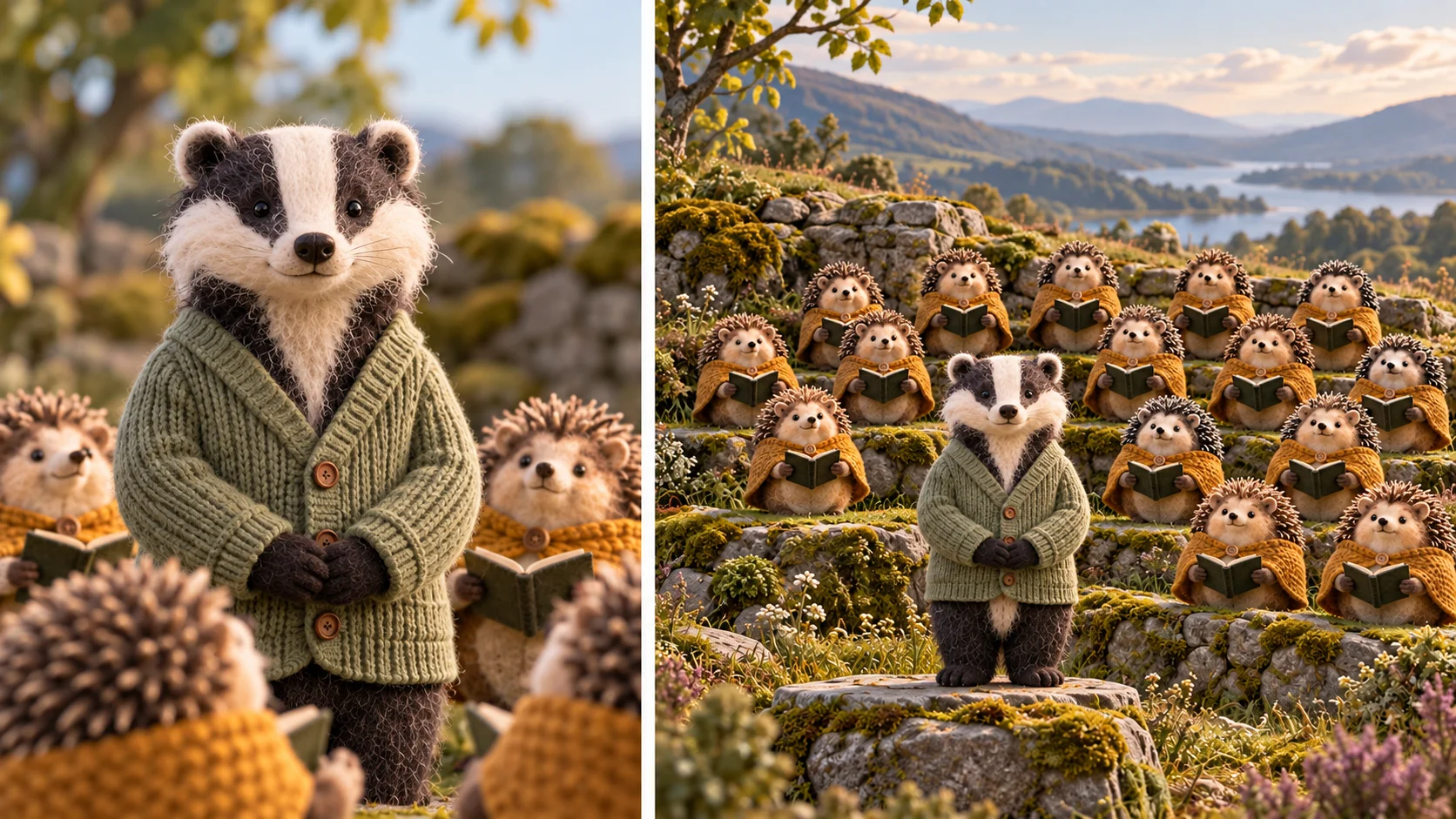
The lead remains composed instead of becoming a conductor.
The composition study shows the same front-facing lead at two viewing distances. The badger is not conducting the choir; its relaxed posture is the point of the scene. When reviewing your result, check that the central character does not unexpectedly start waving or turn away for the whole reveal. The surrounding performers can carry the activity while the protagonist remains a recognizable anchor.
Watch at ordinary playback speed before judging individual frames. A small background irregularity may be less distracting than a sudden change in the lead's expression. If you make a captioned character post, keep text away from the face and nearest row. Listen to any generated audio before sharing, and do not assume the workflow reproduces a particular recording. Choose the take that communicates your character's personality most clearly.
Input, cost and result questions
Can I use an original illustrated character?
Yes, you can supply a clear character image as the lead. Generated motion may reinterpret proportions and texture, so inspect the full result before selecting it.
Do I need a separate choir drawing?
No. The second image is optional. You can describe the choir in the notes or leave custom cast inputs empty to follow the reference ensemble.
Will every hedgehog look identical?
Exact copies and a fixed crowd count are not guaranteed. A simple shared design helps, but check the closest performers and their transitions in the actual clip.
What does the reference video control?
It supplies the broad performance and camera structure. Your lead and choir inputs guide appearance. The illustration board does not replace that motion reference.
Where can I see the cost?
Use the live quote in the form after setting up your task. Account access and current model policy apply; the guide does not promise free generation.
What should I check before saving?
Review the lead's face, the separation between roles, the nearest paws and the wider arrangement. Also preview sound; exact music and vocals are not guaranteed.