A character movement study
Test how one person reads in motion before developing a longer scene.

CANVASSEED MOTION GUIDE
Loading history…
Explore a Doja Cat Juicy AI dance idea with your own character photo and a simple movement brief. One person image is required; an optional video can guide the movement. Choose a clear silhouette, describe the scene and review the quote. The topic name does not supply a particular song, celebrity likeness or locked choreography.
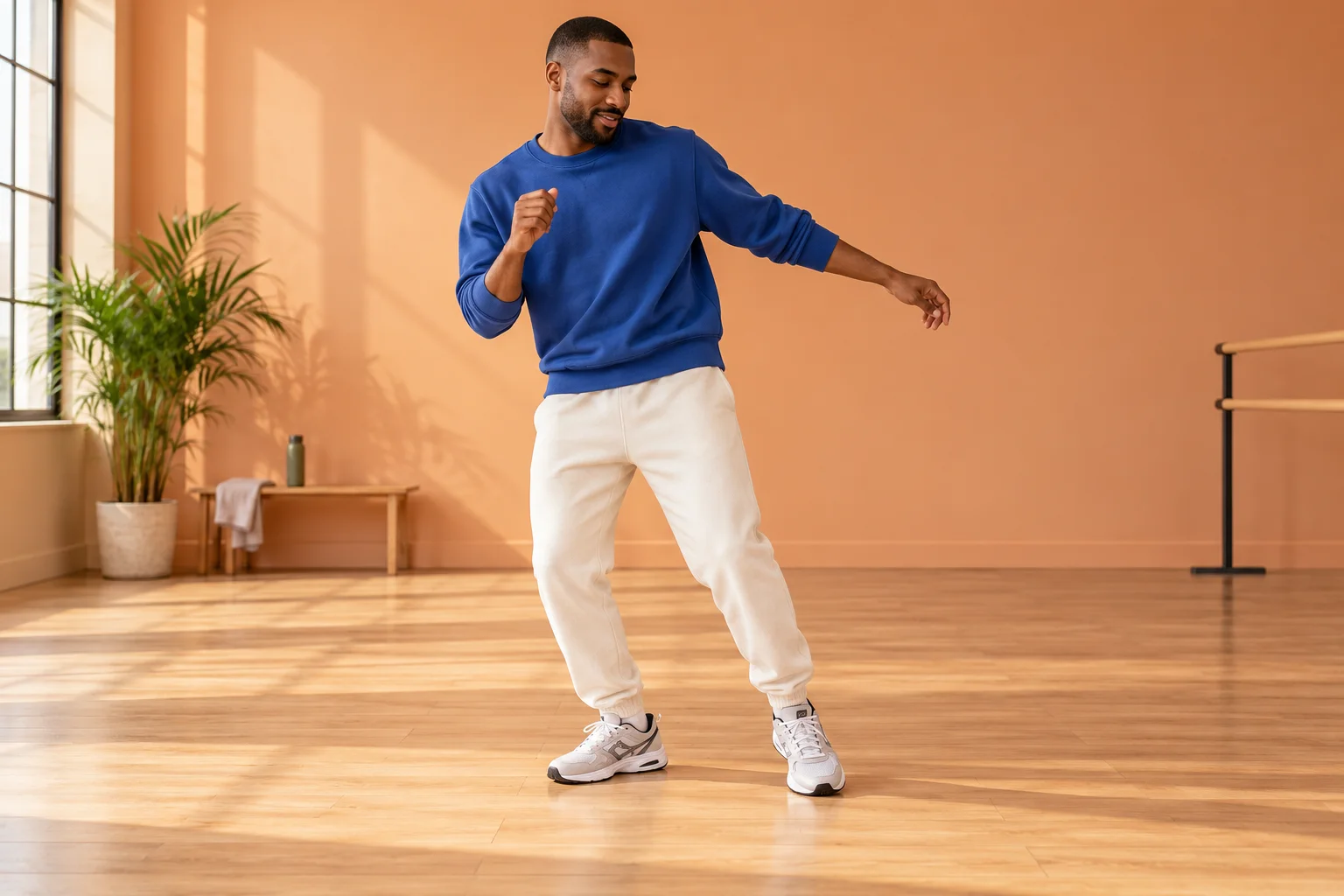
Start by deciding how the character should move through the frame. A side step, a change of weight and a gentle turn make a useful first brief. The apricot studio concept keeps the floor and body outline visible so you can judge the motion rather than a busy background.
Your photo answers who appears. The optional video answers how movement might unfold. Keep those roles clear: a video with several people or rapid cuts can be harder to interpret than one continuous view of a single dancer. The displayed demonstration is for viewing and is not automatically attached to your request.
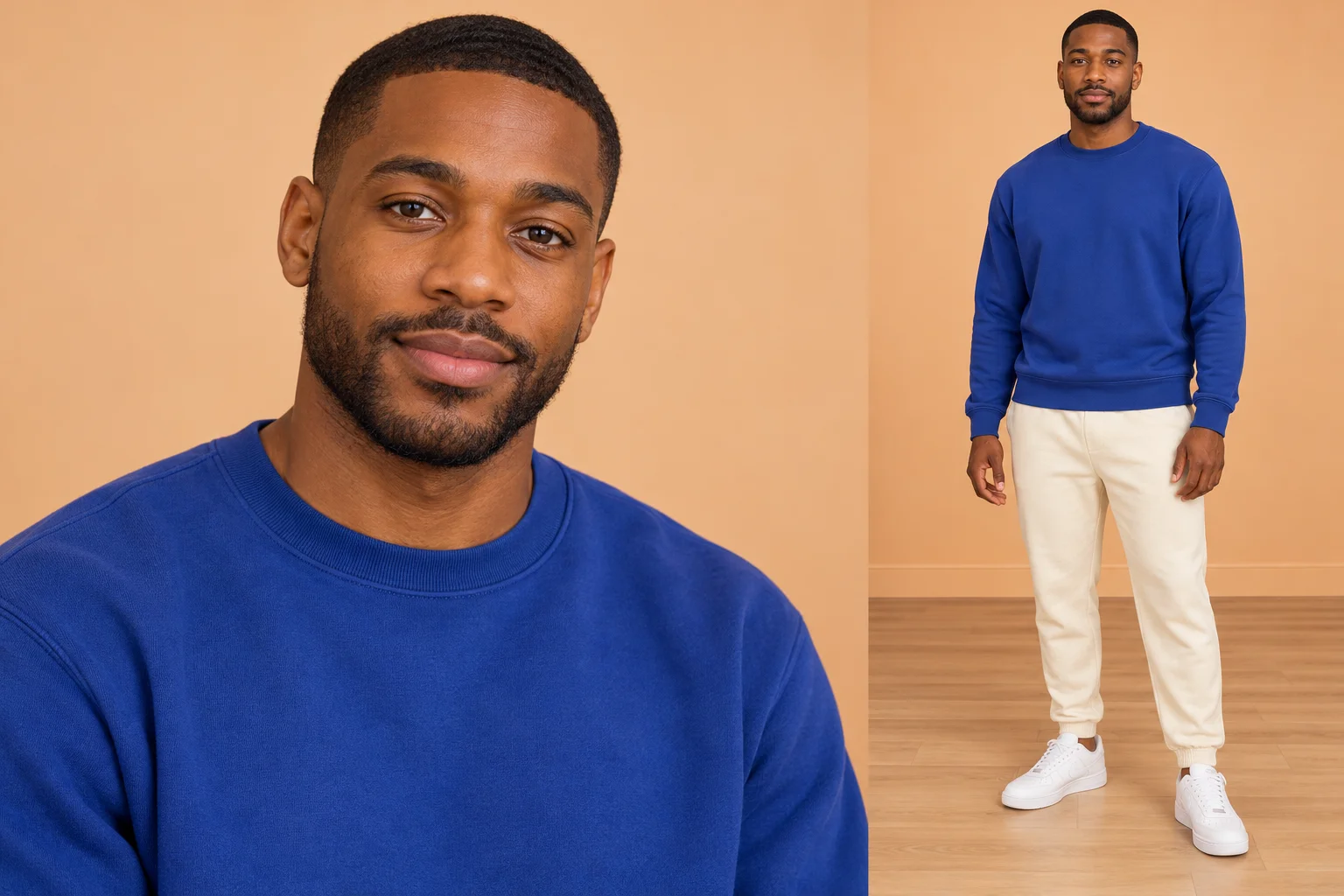
Use a sharp photograph with one unobstructed face and visible clothing. A neutral standing pose is sufficient. A wider body view supplies more information about proportions than a tightly cropped selfie, especially when the final scene needs to show the legs and shoes.
Avoid a collage, overlapping faces or foreground objects hiding the torso. If your person has a distinctive jacket or hairstyle, keep it visible and mention it briefly in the scene note. There is one identity slot; this page does not accept separate portraits to control different body parts or multiple lead dancers.
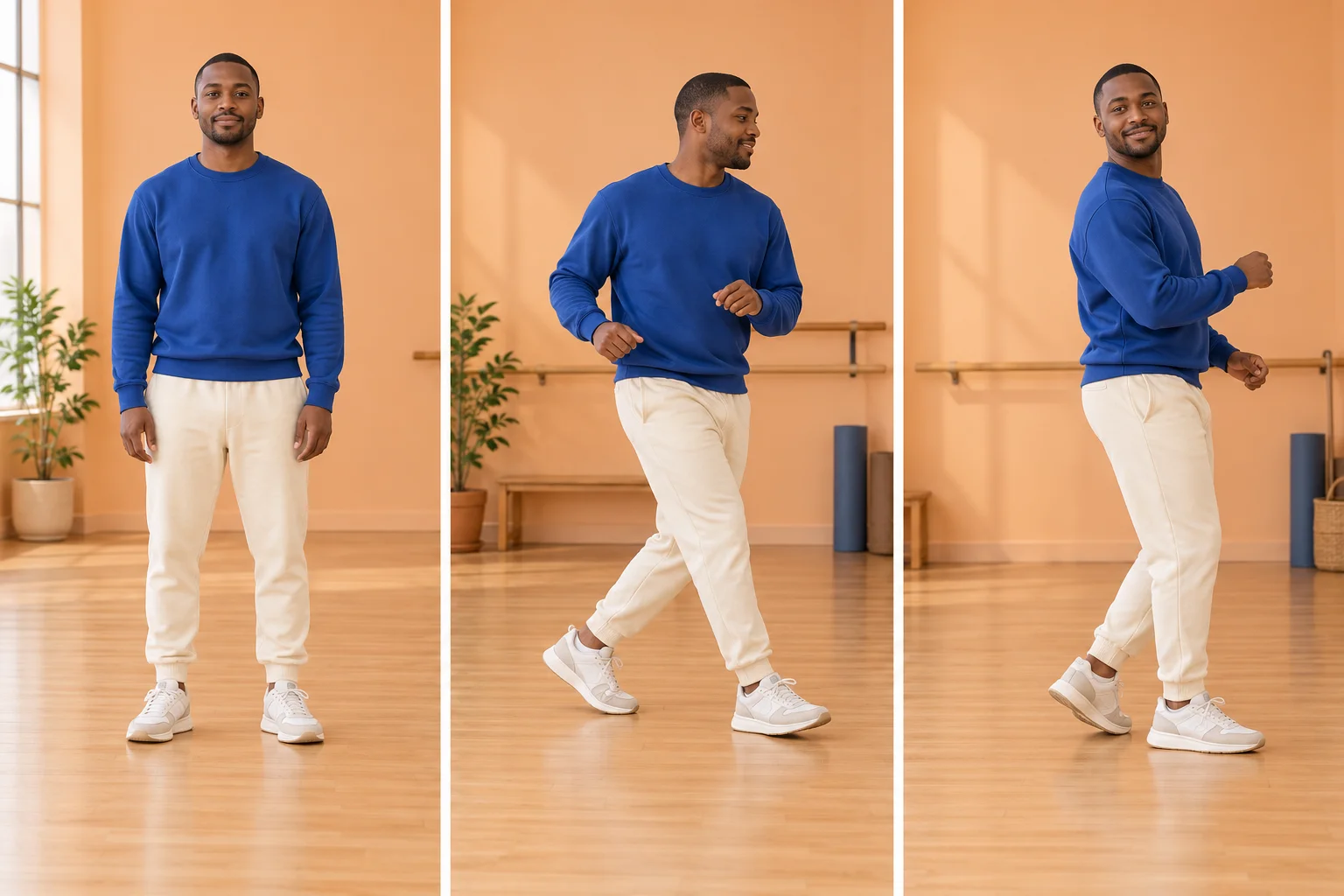
Sign in before uploading an optional movement clip. Choose a permitted MP4 or MOV with a single readable dancer and steady framing. The upload is checked before it can be used. If validation rejects it, choose a compatible file; do not assume a video shown elsewhere on the page has already passed your upload checks. Use a 2–15-second file, no larger than 32 MB, with 24–60 frames per second.
Without a motion video, the written direction guides the dance. With an accepted upload, review its preview and the updated quote before submitting. Remove the clip if you want to return to text-directed movement. A helpful note might be: “Relaxed side steps, cobalt sweatshirt, steady full-body view and a warm studio.”
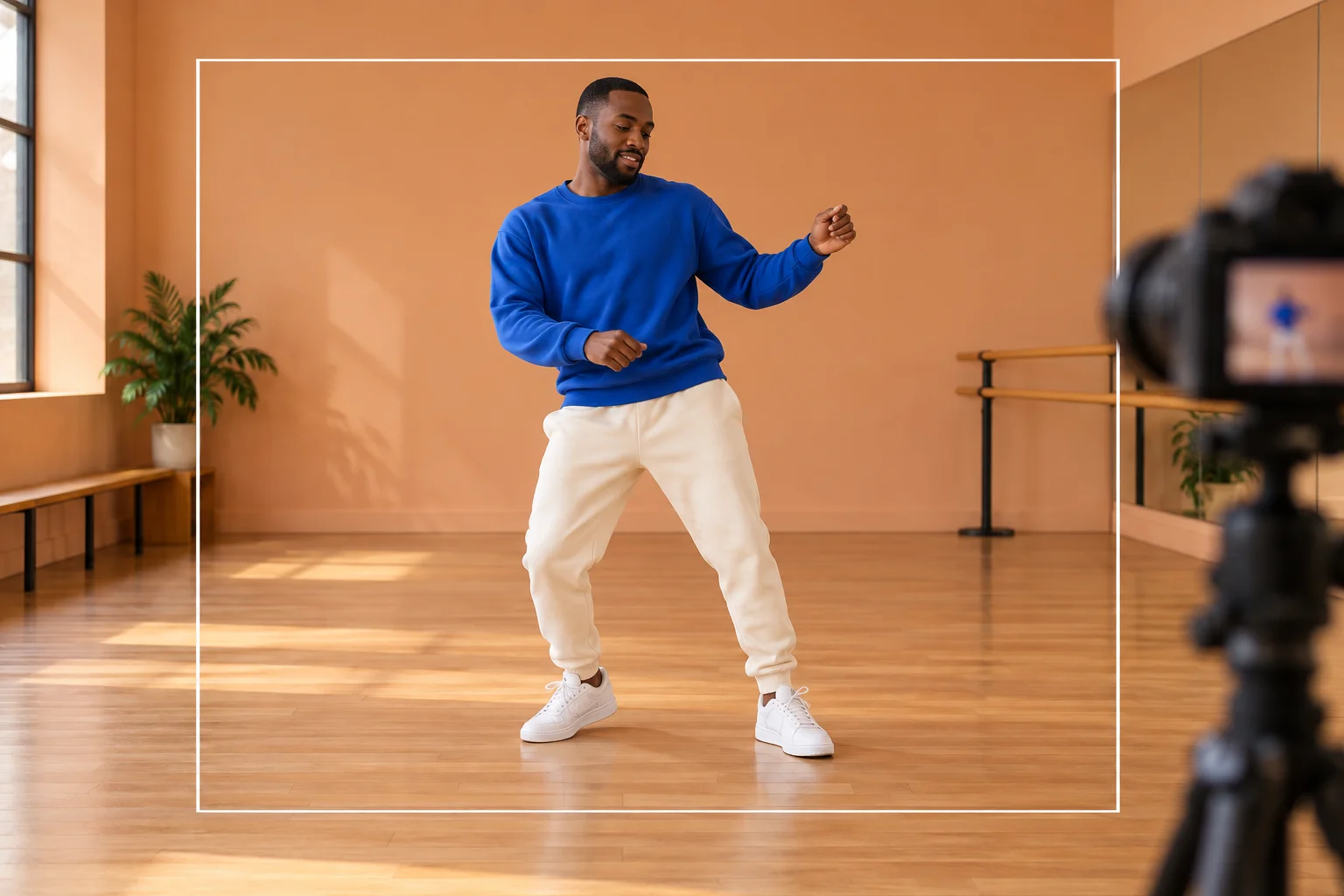
Watch the entire result at normal speed, then inspect the moments where feet change direction or hands cross the torso. Check face continuity, shoulders, wrists, knees and the contact between shoes and floor. The character should remain understandable through the movement rather than only in the opening pose.
Compare the result with your actual brief, not with an imagined perfect copy of the demonstration. Reference guidance can still produce different timing or details. Download a useful take from History and make soundtrack or caption decisions afterward. This form does not select a commercial recording or synchronize an edit to a particular track.
Test how one person reads in motion before developing a longer scene.
Compare lighting and floor space while keeping the dancer’s appearance consistent.
Create a standalone movement moment that you can place in your own edit.
One person photo is required. You may add text direction and an optional compatible movement video. The displayed demonstration is not automatically submitted as a reference.
No. Leave the optional video slot empty for a text-directed dance request. Upload a clip only when it helps communicate the movement you want.
No specific recording or celebrity likeness is supplied. Use your own character and handle any soundtrack separately with the permissions your project requires.
The current catalog requires purchase access and sufficient credits. Read the live quote after changing inputs or settings; a motion video can affect reference-processing cost.
A reference guides the request but does not guarantee exact steps, timing or body details. Review the full result and simplify unclear inputs if needed.
This page requests a 15-second clip. Generation time depends on the service and queue, so follow History rather than treating the clip duration as a completion deadline.
canvasseed.com · Updated