1. Pick a coherent character view
Use a character with one readable face and a body shape that can plausibly hold a phone. An upright figure is easier to compare with the human reference than a crowded collage of unrelated poses.

This fixed reference supplies the phone performance and comic reaction. Your uploaded image supplies the main character’s appearance.
Loading history…
An earnest mascot meets an enormous idea
Give a fictional character an unexpectedly ambitious moment. ChatGPT Millionaire combines one character image with a supplied phone-reaction reference. On canvasseed.com, our guide follows an earnest raccoon mascot through appearance planning and a short comic performance.
The required input is a single clear image. You do not have to animate the character yourself or record action footage. The premise is entertainment about an unrealistic plan, not financial guidance or a promise of wealth. Check the reference and task quote before starting.
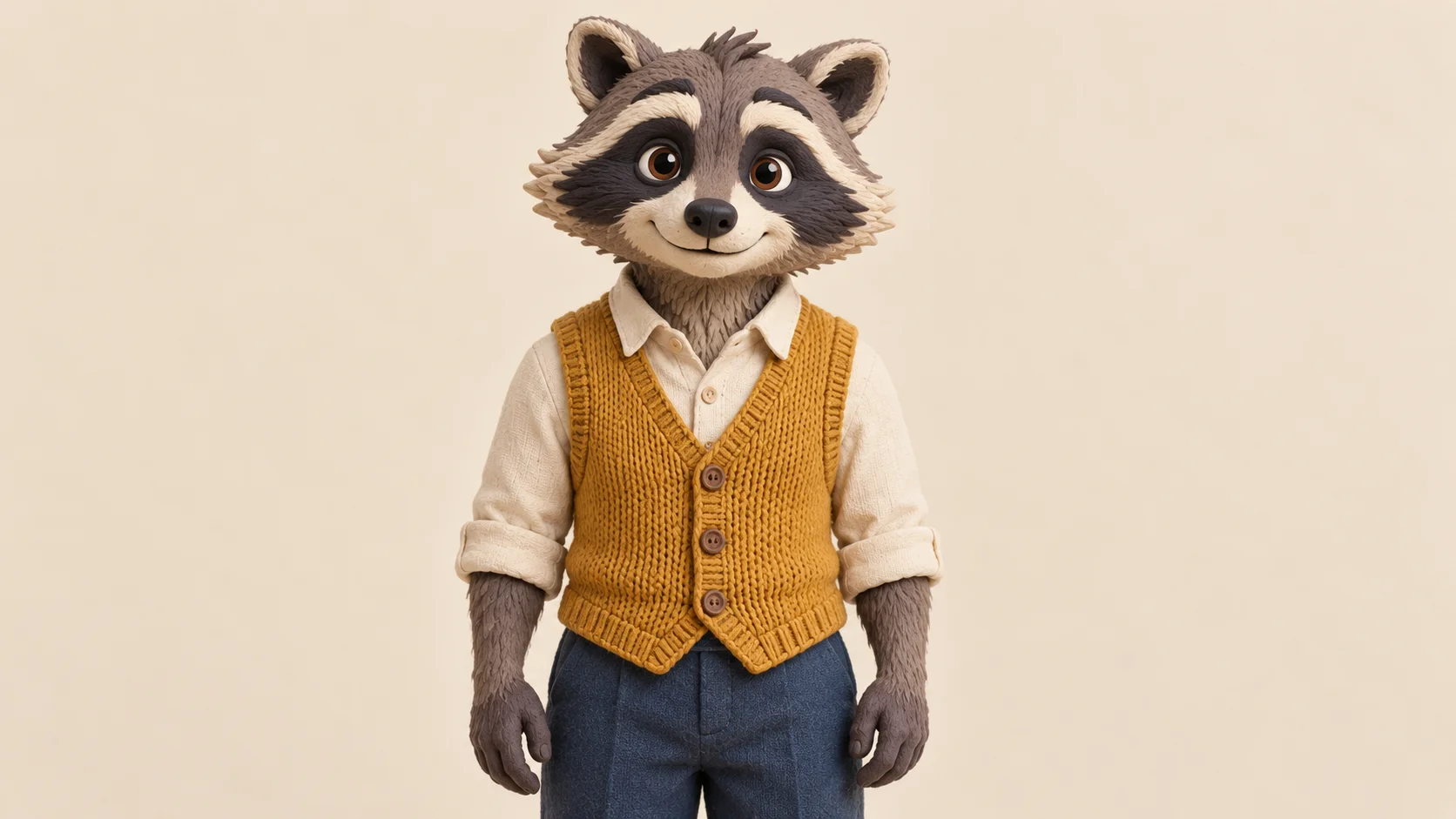
Use a character with one readable face and a body shape that can plausibly hold a phone. An upright figure is easier to compare with the human reference than a crowded collage of unrelated poses.
Note two or three details worth preserving. Our raccoon has a dark eye mask, a mustard vest and a cream muzzle. These anchors make it easier to judge whether the generated performance still feels like the same character.
Upload your chosen view and watch the fixed reference. Review the output settings and the displayed credit estimate. The page already supplies the action guide, so a second video upload is unnecessary.
Open the result in History and follow the face, paws and phone through the scene. Check the initial confidence, pause and final reaction. Choose the version with a clear emotional change and the fewest distracting shape changes.
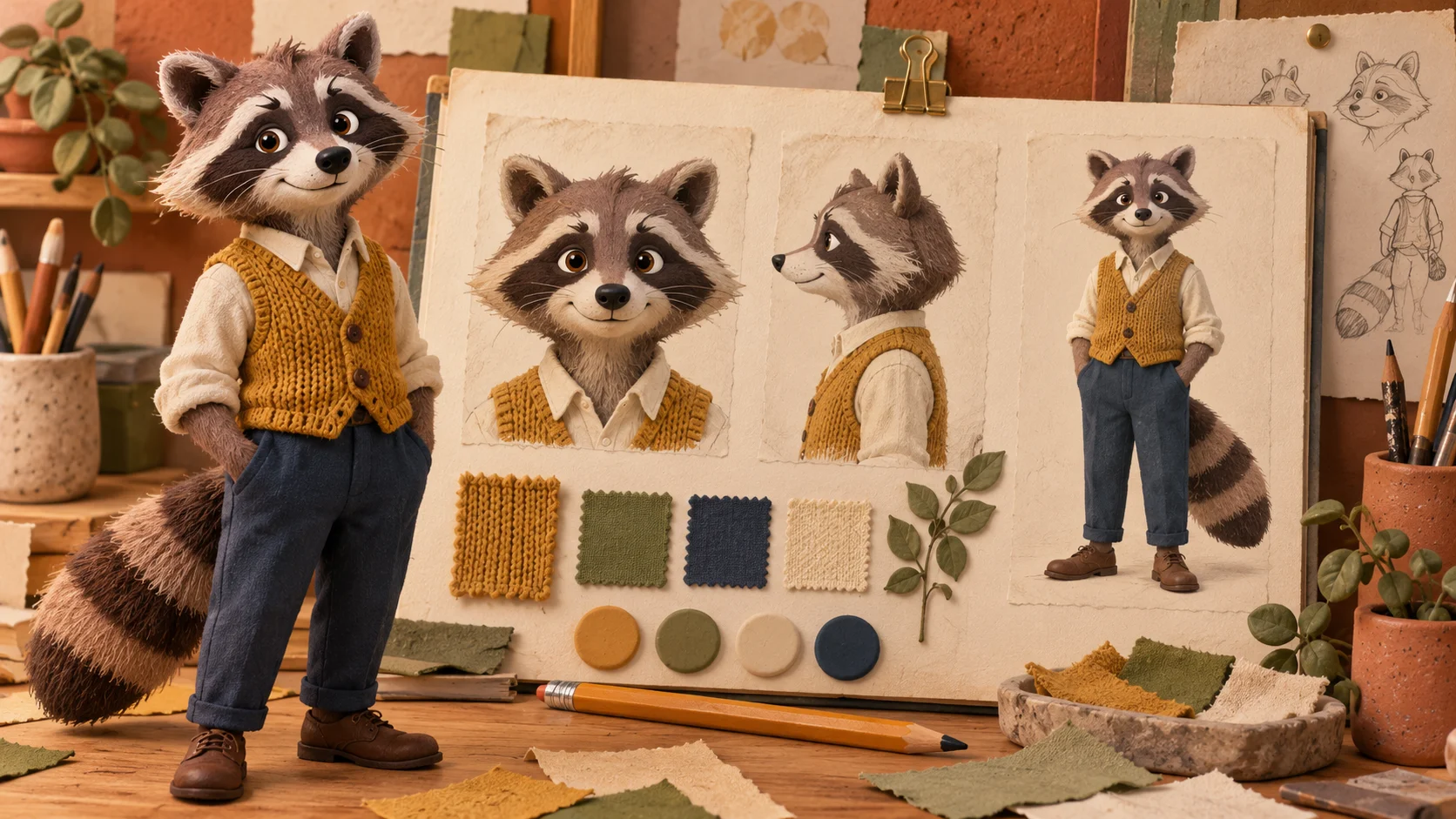
The character notebook can help you settle on an outfit and face markings. For the actual upload, choose one clear view rather than expecting several views to become multiple inputs. Keep the eye mask distinct from the eyes and avoid props that conceal the muzzle.
A stylized creature may need more careful review than a human portrait. Paws, large eyes and short arms differ from the reference performer’s proportions. The illustration establishes a design direction; it does not demonstrate that this exact mascot has already completed the video task.
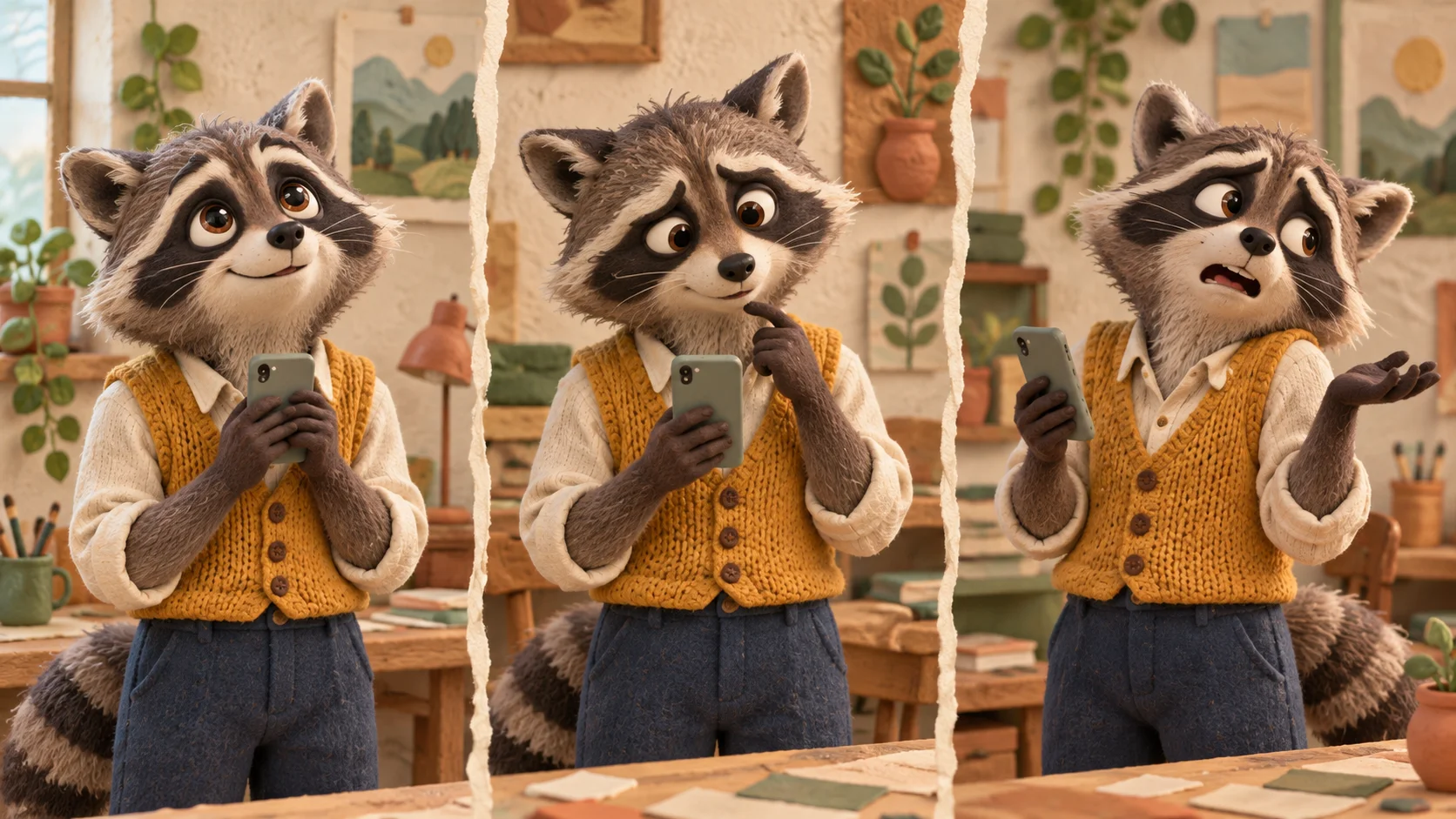
The joke works through the contrast between the character’s earnest confidence and a very ordinary response. The expression study separates those moods so you can inspect them in the finished clip. A readable pause can do more than adding extra props or background detail.
Use the real reference player to understand the supplied timing and phone movement. The page does not offer a new performance based on each illustration. The generator can reinterpret the scene, and exact spoken lines or voice identity are not guaranteed.
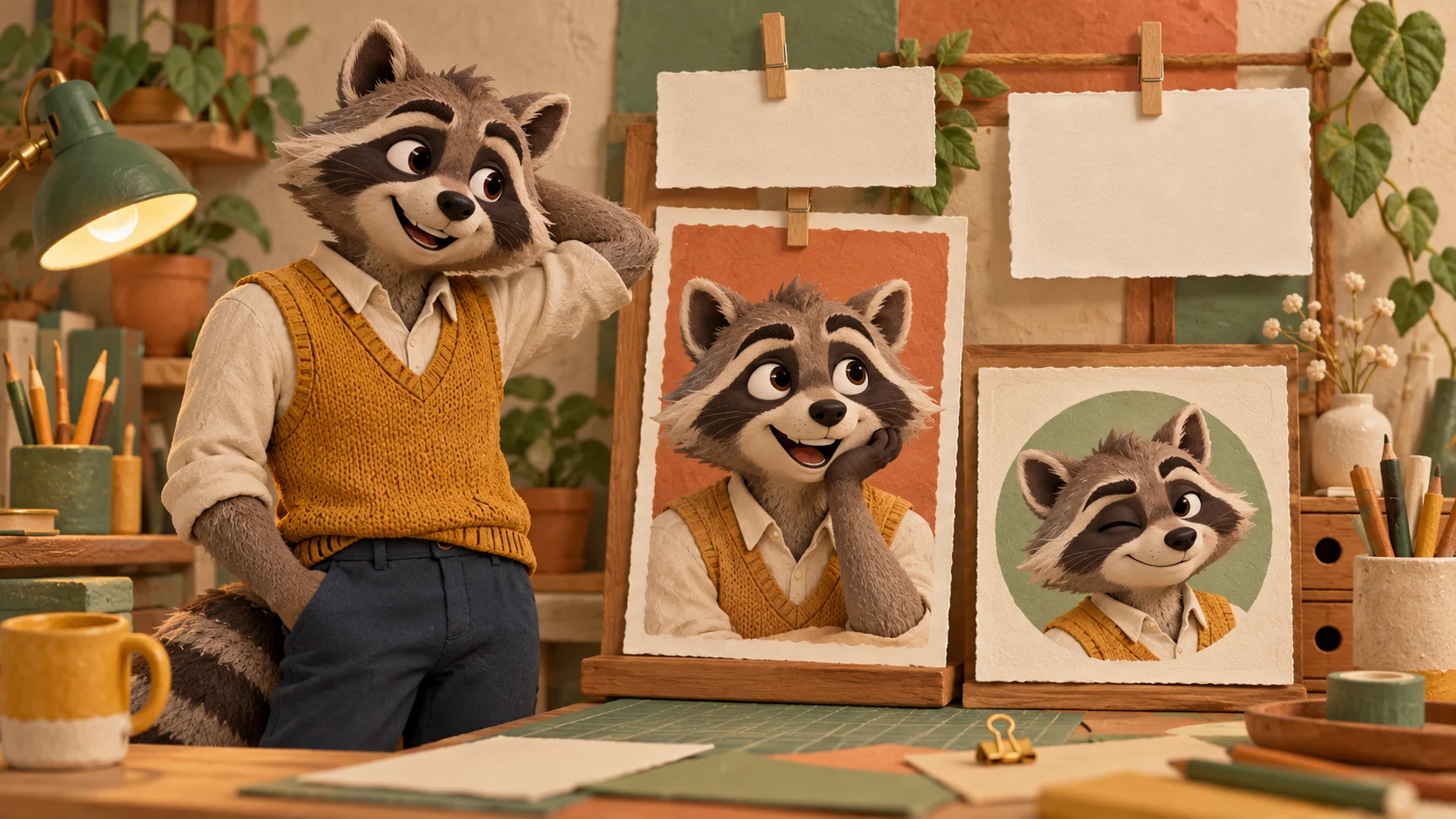
A simple character message often needs only a small amount of context. Keep later text above or beside the face, with enough space that the paws and phone remain visible. The paper-and-clay layout study shows a possible presentation direction rather than an app template.
Watch the complete exported result at the intended display size before sharing it. Check any audio, then compare the face markings and outfit with your original image. If the performance loses the character’s identity, a clearer source or simpler design may be a better next attempt.
You can use a clear character image as the appearance reference. Differences from human proportions may affect the motion, so review anatomy and object handling throughout the result.
One main-character image. The notebook illustrations are planning aids, not a requirement to upload several angles. The page attaches its own fixed motion reference.
No. The ambitious millionaire question is part of a comedy format. The tool generates a short entertainment clip and makes no promise about earnings or real financial outcomes.
Current account eligibility and model policy determine access. Review the form and Pricing instead of assuming a free generation is included. No fixed free allowance is stated here.
The quote depends on the selected task settings and supplied reference. Review it before generation. Queue and processing conditions affect completion time; use task status and History to follow progress.
Exact words, voice and timing are not guaranteed. Listen to the finished clip and check whether its tone suits your character before you add captions or share it.
Explore a clear character image before adapting it to movement.
Use a general video workflow for a different performance idea.
Review plan choices alongside the live estimate for this clip.
canvasseed.com · Updated