
Like Higgsfield AI? Build an Image-First Video Storyboard
Build a clear storyboard before paying for AI video. This Higgsfield alternative guide covers reference images, motion briefs, free access and revision costs.
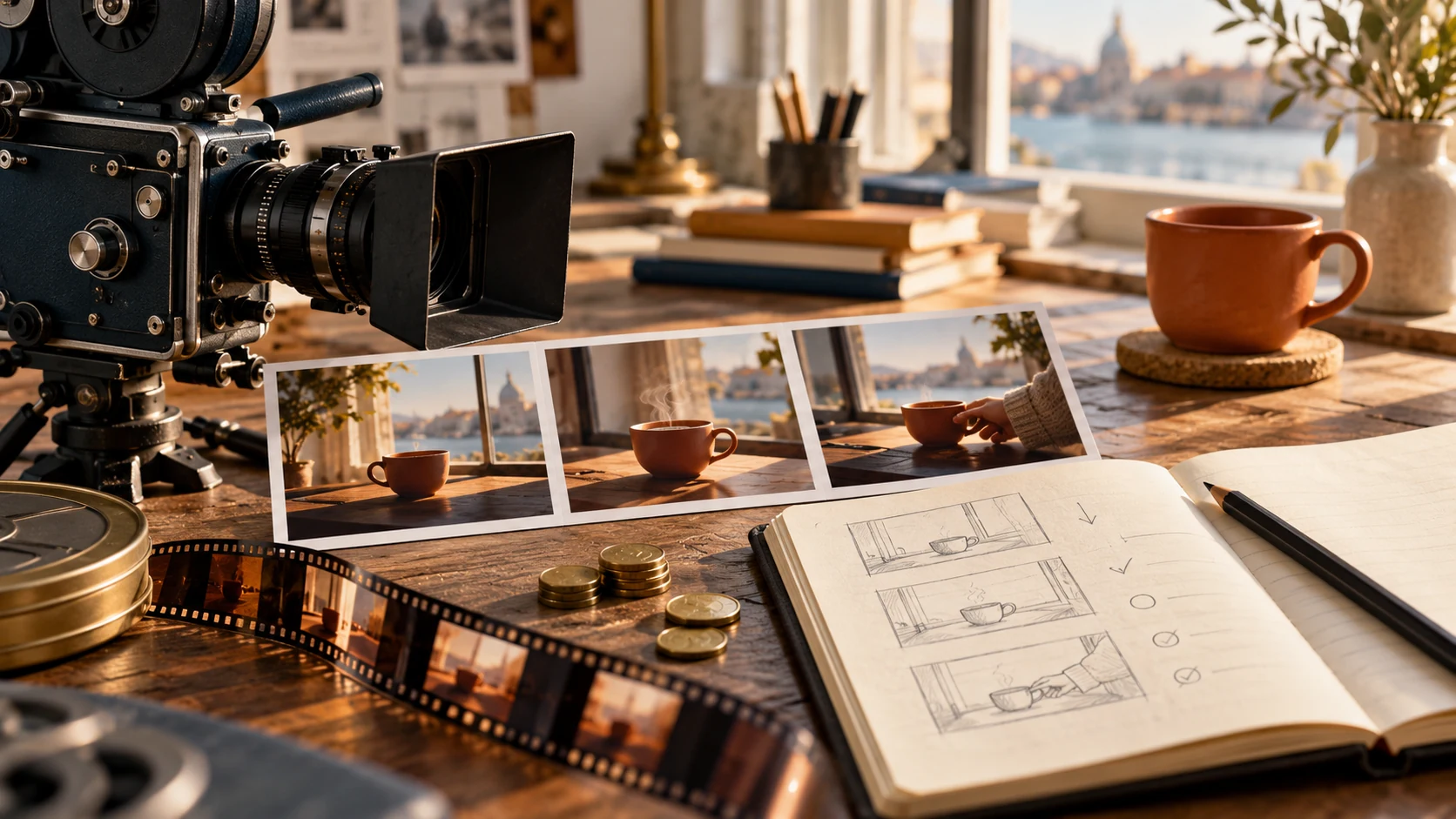
If you like Higgsfield AI's visual possibilities but want to spend less on experiments, start with the image rather than the video. A clear reference can resolve composition, subject placement and visual style before you pay to animate anything. It does not guarantee a successful render, but it gives each attempt a specific job.
For CanvasSeed readers, an image-first storyboard is a practical bridge between illustration and motion. The example below turns an imagined seed-shop window into a short scene. All prompts are original planning suggestions, not tested generation results.
What's new on this page
- October 27, 2026: Published a reference-board exercise, a motion-priority worksheet and guidance for evaluating Higgsfield alternatives without assuming every model is free.
Define the moment before designing the picture
Our fictional shop has a terracotta pot, a paper seed packet and a small watering can on a windowsill. The intended video shows a curtain moving gently while morning light falls across the arrangement. Nothing transforms, sprouts instantly or flies into place.
That restraint is intentional. A single image can establish where the objects are and how they look. It cannot establish a complicated sequence of events by itself. Asking for a curtain movement is a smaller creative problem than asking the same shot to grow a plant, open the packet and pour water.
Write your scene in one sentence. Then write what viewers must recognize at the end. If those two statements describe different worlds, split the idea into separate shots before generating.
Build a reference that leaves room for movement
Open the image workspace to prepare a source image, or use an existing photograph you have permission to edit. Aim for an uncluttered composition, readable object boundaries and enough margin around the main subject. Save the selected image separately from discarded variants.
For the seed-shop example, place the pot away from the frame edge. Keep the watering-can handle visible rather than overlapping the packet. Leave a strip of curtain in the background so the requested movement has a visible starting point.
A suggested image brief is: “A quiet independent seed-shop windowsill, one terracotta pot, one plain paper seed packet and a small green watering can, soft morning light, a cream curtain at the left edge, natural materials and clear separation between objects.” Exact lettering is unnecessary for this scene and should be added later if it matters.
Give each storyboard panel a different purpose
A storyboard is not simply three attractive pictures. Each panel should answer a production question. You can sketch these panels yourself or annotate copies of the selected reference; you do not need to generate three new images just to complete a planning exercise.
| Panel | Question to answer | Note for our example |
|---|---|---|
| Opening composition | What does the viewer recognize immediately? | Pot, packet and watering can are distinct. |
| Motion plan | What changes during the shot? | Only the curtain moves gently. |
| Ending check | What must still be true? | Objects keep their shapes and positions. |
The second panel can be a simple arrow on a copy of the first. The third can be a checklist. These are planning materials, not evidence of a generator preserving continuity.
Translate the board into a motion brief
In the video workspace, choose a mode that accepts your still image. Check the selected model, duration, shape and quotation before running it. A useful motion request for this scene is: “The cream curtain moves slightly in a light breeze. The camera stays still. The pot, packet and watering can remain stationary. Preserve the quiet morning lighting.”
Avoid repeating the entire image description unless a detail needs clarification. The uploaded picture already supplies much of that information. Use the text to specify the change, its scale and the elements that should remain stable.
If the interface crops the picture, revisit the source before proceeding. A curtain outside the submitted crop cannot serve as the visible moving element you planned.
Where an image-first workflow can save money
The potential saving comes from solving cheap planning problems before expensive motion problems. Fixing an awkward crop on your source is usually more direct than repeatedly asking a video model to reveal something outside the frame. Removing an irrelevant prop also reduces the number of details you must inspect afterward.
This is a workflow argument, not a measured claim that CanvasSeed is always cheaper than Higgsfield. Compare current CanvasSeed plans with Higgsfield's published offers using your actual settings and billing term. Include the cost of preparing images, not just the final video attempt.
Set a small allowance for image preparation and a separate allowance for video revisions. If a still image already communicates the message well, you may not need animation for every placement. Choosing a static asset deliberately is different from paying for motion that adds no useful information.
Free access requires a model-specific check
The catalog checked for this article allowed non-paying accounts to access MiniMax H3, while Grok Imagine 1.5 had a payment requirement. Available account credits and the current quote still determine whether a task can run. A free sign-up should never be interpreted as unlimited free AI video generation.
Inspect the workspace with your own account. If you lack sufficient credits or access to the selected model, revise your plan before submitting. Do not build a deadline around an unverified trial allowance.
Review the result against the board
Watch the clip without reading the prompt. Can you identify the intended moving element? Then compare the opening, middle and ending with your notes. Check object count, shapes, overlaps and whether the lighting changes unexpectedly.
If the curtain barely moves but everything else is correct, adjust motion strength in the brief rather than redesigning the whole scene. If the pot changes shape, simplify the reference or reduce competing movement. Keep the source, prompt, settings and result together so the next attempt starts from evidence.
A useful alternative to Higgsfield begins with a manageable creative task. Make one image clear, give it one reason to move and judge whether the resulting shot earns its place in your project.