
Hug My Younger Self AI Video: Create a Watercolor Reunion
Create your Hug My Younger Self AI Video
Watch a short motion study
History
Loading history…
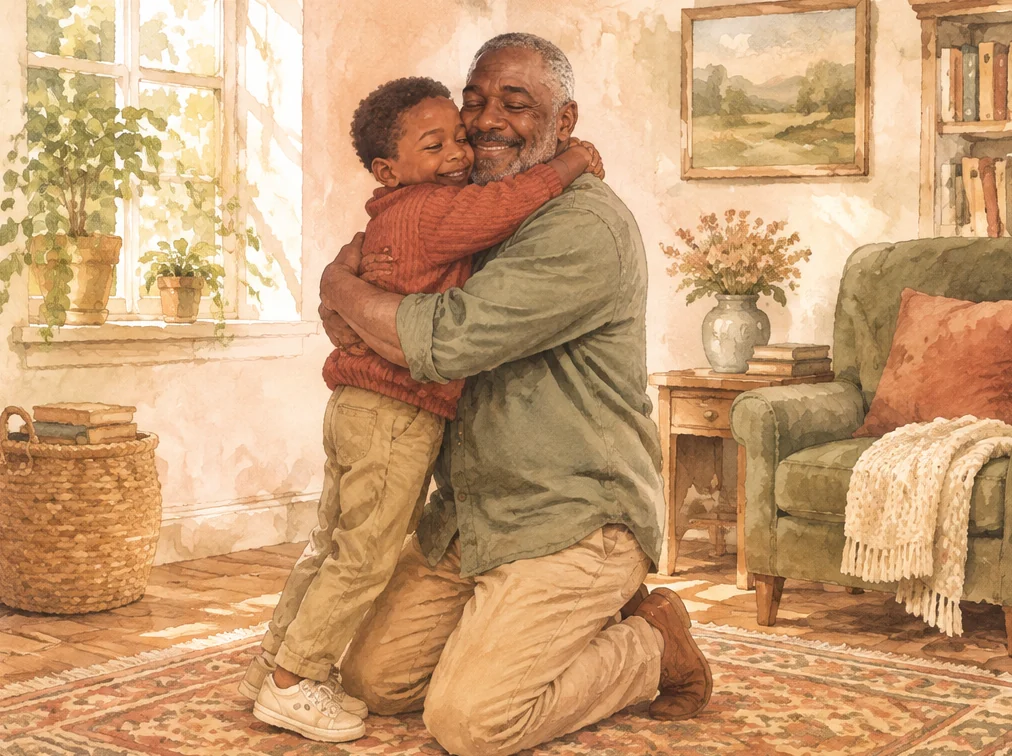
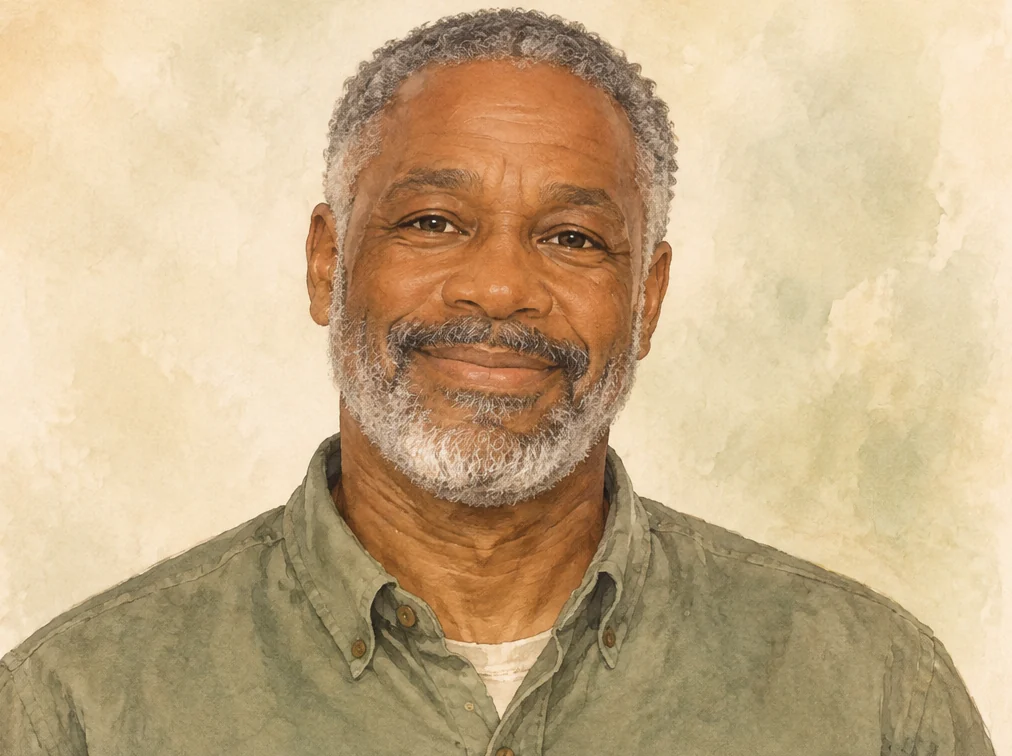
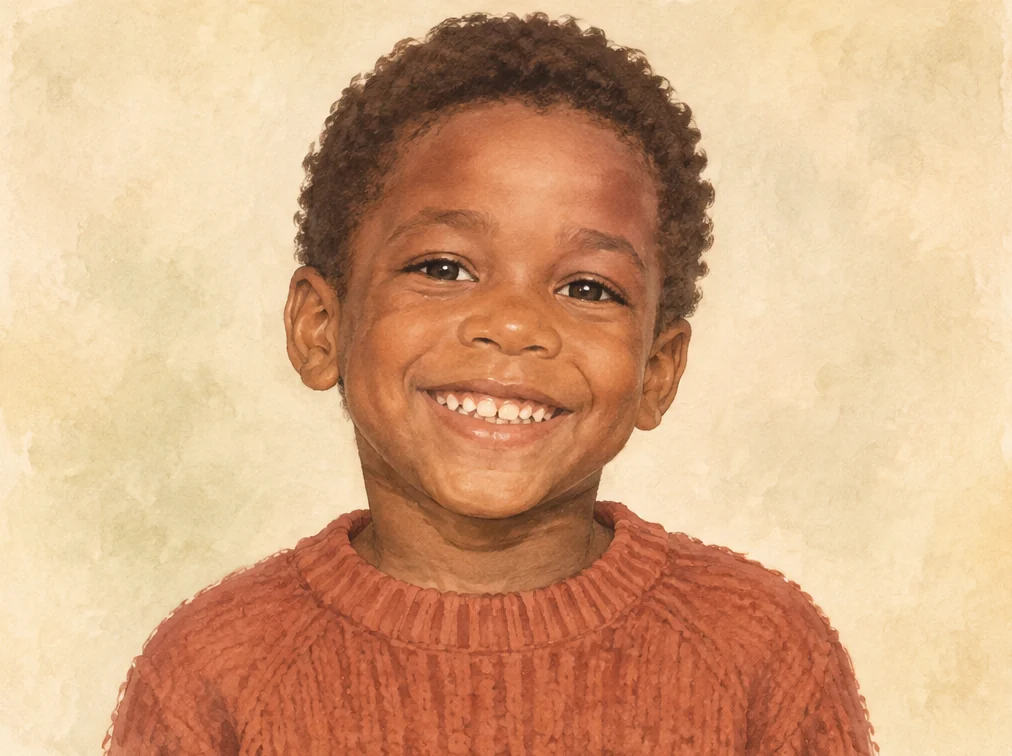
Hug My Younger Self AI Video brings a recent portrait and a childhood photo together in a gentle reunion scene, with both versions of you remaining recognizable. Upload your recent portrait first as @Image1 and your childhood photo second as @Image2, review or edit the pre-filled effect prompt, then start the generator.
How to make your video
- Upload a recent portrait of yourself first as @Image1, then a childhood photo of yourself as @Image2. The generator requires exactly these two photos.
- Check the pre-filled effect prompt and edit it if you want to shape the setting or mood. Keep the reunion gentle and the scene simple.
- Review the live credit quote shown in the generator before you start. Then launch the video generation.
- Preview the clip and check that both faces remain recognizable throughout the hug. Save it when the result feels right to you.
From childhood photo to reunion scene
Ideas for a personal visual story
- A quiet birthday reflection Pair childhood and recent portraits to create a tender visual keepsake about how much has changed—and what still feels familiar.
- A family memory tribute Use the reunion as a personal way to revisit a childhood photo and share a thoughtful moment with family.
- A watercolor journal scene Turn two portraits into a storybook-style scene for a visual journal, with a warm room and an unhurried embrace.
Check before saving
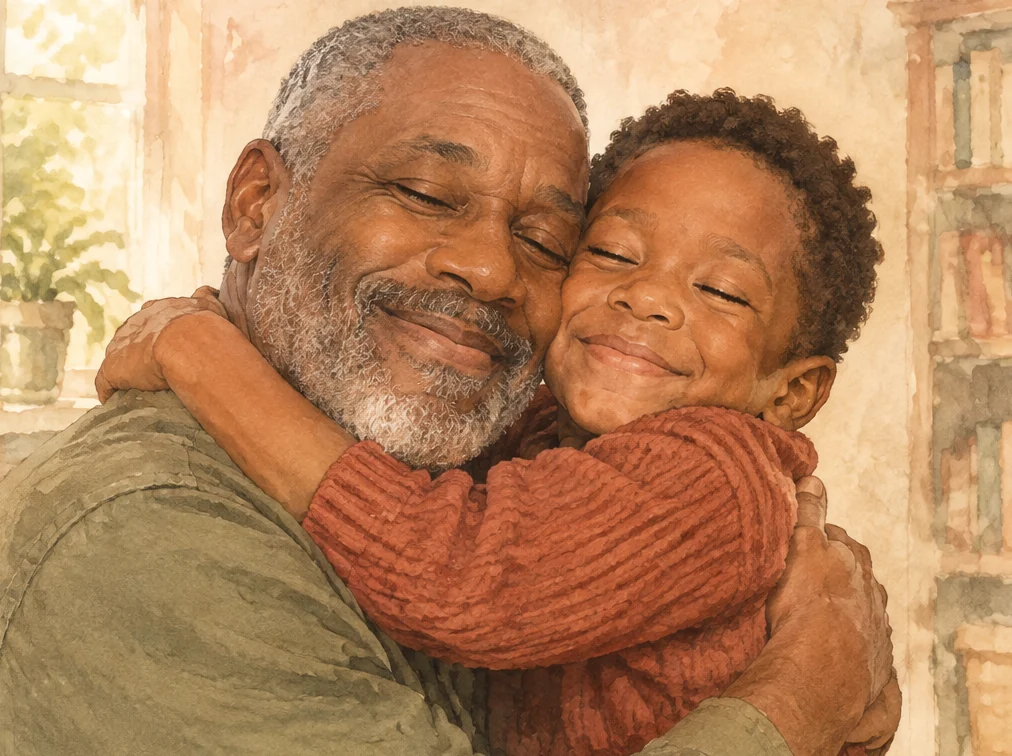
- Can you recognize both versions of yourself in the scene?
- Does the adult kneel, welcome the child, and share a gentle embrace?
- Does the watercolor storybook setting feel warm without distracting from the faces?
Common questions
What is Hug My Younger Self AI Video?
It is a short AI-generated video concept that brings a recent portrait and a childhood photo of the same person into one gentle reunion scene. CanvasSeed’s native video generator uses Seedance 2.0 and can produce a clip up to 15 seconds.
Can I try Hug My Younger Self AI Video for free?
Check the live credit quote in the generator before starting, and visit the pricing page for current plan details. Credit requirements and available options are shown there; no fixed amount is promised on this guide.
What do I need to upload or type?
Upload exactly two photos: your recent portrait first as @Image1 and your childhood photo second as @Image2. The effect prompt is pre-filled, and you can edit it before starting.
How long does generation take?
It usually takes a short wait, but the time depends on queue load. Check the generator for the current status.
How can I help the hug feel natural?
Choose clear photos where both faces are easy to see, and keep the prompt focused on a simple welcome, a gentle embrace, and a warm setting. A less crowded scene helps keep attention on the two versions of you.